Skip to content

Trusted by Brands Hosting 100,000+ Products and Counting

Why interactive 3D

What Interactive 3D Adds to Ecommerce Product Pages

Unlike static imagery, 3D product visualization for ecommerce gives shoppers more control over how they examine and compare products online.
A standard PDP
Shows a limited set of pre-shot angles
Leaves shoppers guessing at texture and material
Can't photograph every variant combination
Gives no sense of real-world scale or fit

A PDP with Zolak
Let shoppers examine the product from every angle
Show material and surface detail up close, in real time
Switch between color, material, and component variants instantly
Place the product at true scale in a shopper's own space
Reuse one 3D asset across interactive and static content

Live demo

See Interactive 3D on an Ecommerce Product Page

Click To Try overlay-pointer

Key features

Key Features of the Zolak Platform

Interactive modules are embedded into your ecommerce store to help shoppers explore products in 3D, customize options, and see them in context.

Let Shoppers Examine a Product From Every Angle

Unlike a sequence of 360° photos, the 3D product viewer uses an interactive 3D model that shoppers can explore freely — from any angle, with the highest level of detail.
  • Rotate the product in 3D and 360° instead of clicking through pre-shot angles.
  • Zoom into materials and surface detail up to 4K.
  • Runs directly in the browser on desktop and mobile — no app required.

Customize Colors, Materials, and Finishes in Real Time

When products come with multiple options, shoppers need to see what their choices actually look like. The 3D product configurator for ecommerce gives them a clear visual preview of their configured product.
  • Switch colors, materials, and other options live.
  • Built-in configuration rules guide shoppers toward valid combinations.
  • Every selection maps to the correct SKU and updates pricing automatically.
  • Configuration carries straight through to the cart.

Preview a Product in Their Space

Bring the product into the shopper's space. Augmented reality for ecommerce places a true-to-scale 3D model in their room using a mobile device.
  • Carry over the exact color, material, or configuration selected in the Viewer or Configurator.
  • Move from product exploration to AR without separate setup or re-selection.
  • Helps shoppers confirm size and fit before they buy.
Zolak AR Visualization-selection

Combine Products in a Complete Space

Product pages sell one item at a time — but shoppers often picture how multiple pieces could work together. Virtual Showroom brings those products into one shared 3D space, giving shoppers an easy way to explore combinations and build a complete set before they buy.

And instead of imagining how that set could look at home, shoppers can see it in their own space. An AI-powered User Interior Visualization turns a photo of their room into an editable scene where they can place your products, try different combinations, and see how everything comes together.

Product content

Create Static Product Content for PDPs, Marketplaces, and Campaigns

Shooting fresh photos for every color, angle, and channel doesn't scale. Zolak solves it from either starting point:

Luthar Sofa 3D Product Render
With a 3D model

3D Product Rendering Services

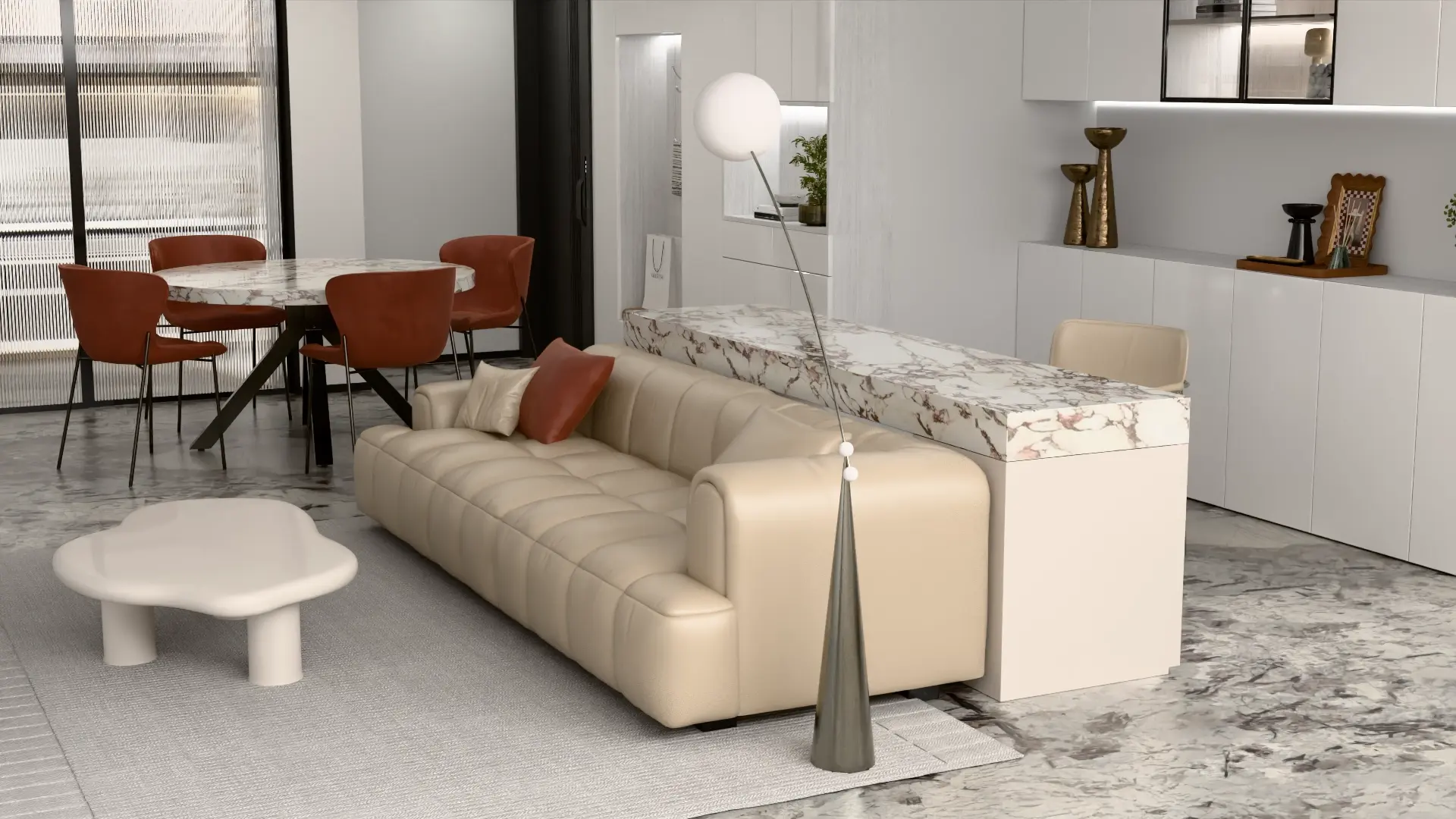
Turn existing 3D models into high-quality product visuals for ecommerce — from silo shots and close-ups to lifestyle scenes and product variants. Choose the angles, scenes, and visual requirements you need.

Mintyan Armchair AI Photography
From one photo

AI Product Photography for Ecommerce

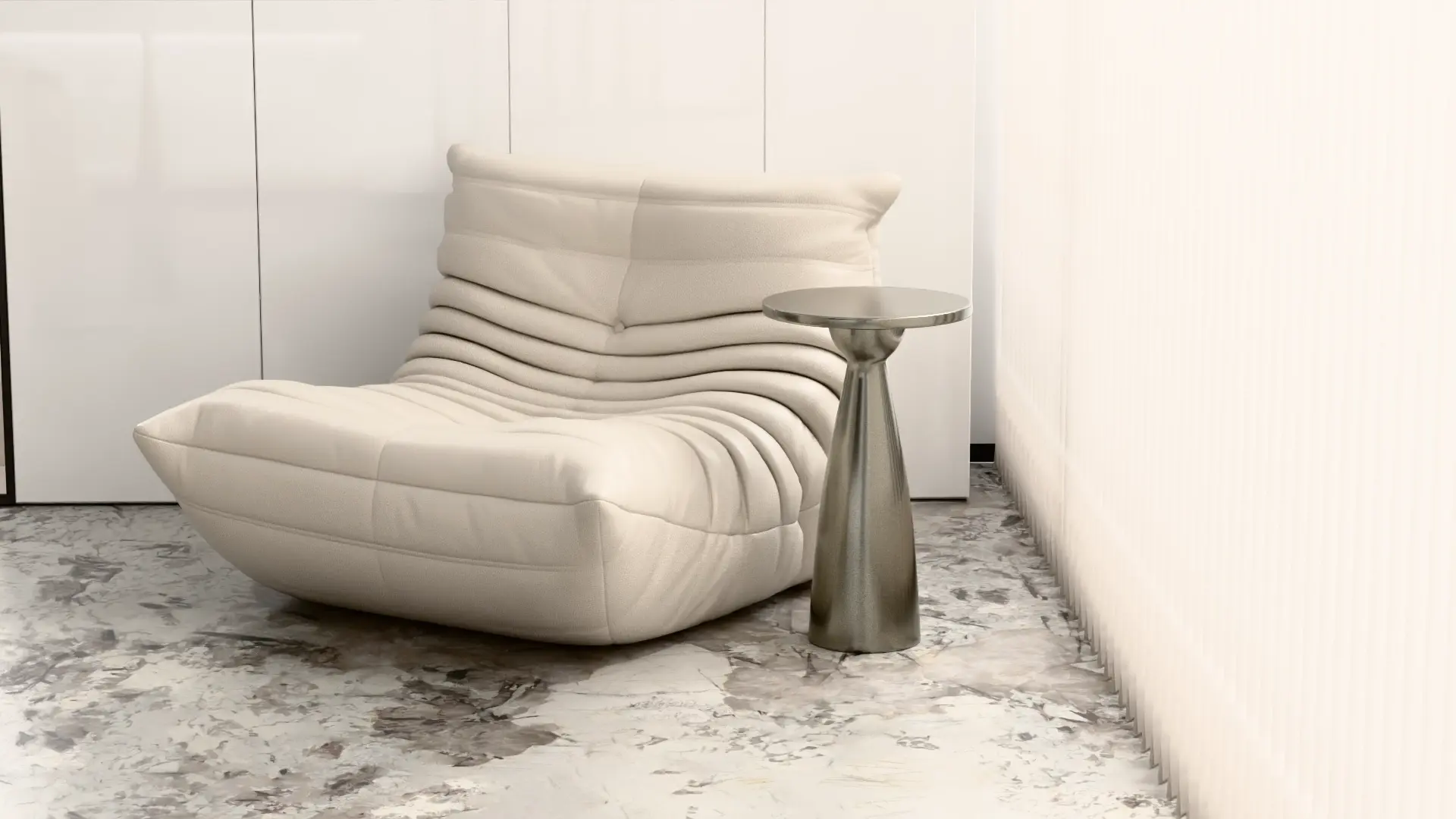
Offers a faster, self-serve way when you don't have a 3D model. Generate silo images, hero shots, lifestyle visuals, and product descriptions from a single existing photo.

How Zolak works

How Zolak Works on Your Product Pages

The goal isn't to add disconnected visual tools to your store. Zolak can bring different product experiences together around the same ecommerce journey.
1

Shoppers Open a Product Page

The customer starts with the standard ecommerce product page and gets an interactive way to explore the product.

2

They Examine the Product in 3D

They rotate the product, zoom in on details, and explore its shape, materials, and finish from different angles.

3

They Select Available Options

Where customization is part of the product, shoppers can choose colors, materials, or other available options and see the result visually.

4

They Preview the Product in Context

When relevant, the customer can continue into AR or another contextual experience to understand how the selected product may look in their own space.

5

The Selected Product Connects to Ecommerce Data

The selected configuration can be connected with product data, SKU mapping, pricing, and cart flows according to the implementation and configuration requirements.

Implementation

From Product Data to a Live 3D Experience

Step 01 — Share

Share Your Product Data

Send us your CAD files, dimensions, product photography, material references, or existing 3D models.

Step 02 — Model

Create or Optimize Your 3D Models

We create new models or optimize your existing ones for fast, reliable web performance.

Step 03 — Catalog

Product Catalog Setup

Set up your products, materials, variants, SKUs, and configuration rules in Zolak CMS to match your ecommerce catalog.

Step 04 — Embed

Embed the Module

Embed the selected Zolak module — 3D Viewer, Configurator, or Showroom — directly into your product pages.

Step 05 — Test

Test Before Launch

We check product mapping, visual quality, configuration behavior, and page performance before going live.

Step 06 — Launch

Launch a Pilot and Scale

Start with a selected group of products. Once the experience is validated, expand it across the rest of your catalog.

No 3D models yet? Our 3D product modeling service for ecommerce can create web-ready models from your product data and references.

Platform Integration

Connect 3D Experiences to Your Ecommerce Stack

Interactive ecommerce product visualization needs to work with the product data behind your store. Zolak connects what shoppers see and select in the 3D experience with the product information your store already uses.

01 SDK

The Zolak SDK connects to your storefront through a CDN script and loads the configurator in an iframe.

02 APIs

If you want to keep native product selectors or use a custom cart flow, Zolak's Client-Side API and Cart API connect the existing configurator logic with your existing storefront logic.

03 Integration options

Choose how Zolak appears on the product page: the Zolak sidebar, native storefront controls, or a popup. The option you choose determines how much frontend work is needed.


Supported platforms

Use cases

Which Products Benefit Most from Interactive 3D?

Interactive 3D is especially valuable for products where context, scale, materials, or multiple variations influence the purchase decision.

  • background
    Bring sofas, tables, and décor to life with immersive 3D views and virtual room planning. Let customers explore layouts, colors, and finishes before they buy.
  • Clothing & Fashion (1)
    Clothing & Fashion
    Show apparel, shoes, and accessories from every angle. 360° views and customization make it easy for shoppers to find their perfect style.
  • Consumer Electronics & Gadgets
    Consumer Electronics
    Let buyers inspect gadgets and devices in detail. Rotate, zoom, and see materials realistically to feel confident before purchase.
  • gold-jewelry-tray
    Highlight every sparkle and detail. High-quality rendering makes metals and gemstones shine, giving luxury buyers the clarity they expect.
  • lighting (1)
    Lighting
    Show how lamps, fixtures, and lighting setups transform spaces. Realistic 3D and AR previews let shoppers see the effect instantly.
  • Curtain & Textile Retailers
    Help customers see art, frames, or curtains in their own space. Web-based AR ensures the perfect match before checkout.
  • Sporting Goods & Equipment (1)
    Sporting Goods & Equipment
    Give buyers a close-up look at gear and equipment. Interactive 3D lets them inspect every feature before committing.
  • Industrial, Automotive & Manufacturing
    Industrial, Automotive & Manufacturing
    From industrial machinery to automotive parts and factory equipment, show complex products in 3D. Let B2B buyers explore, configure, and understand every detail with confidence.

Testimonials

What Our Customers Say

Valolma Logo

Emilia Peltola

Owner, Valolma

⭐⭐⭐⭐⭐

"Zolak is not just a service provider, they are a trusted partner. Professional, knowledgeable and deeply committed to delivering the best possible results.

We worked with Zolak on the development of software and 3D models for curtains and our experience has been outstanding. They proactively identified risks, brought clarity to complex requirements, and delivered thoughtful, effective solutions at every stage."

Cut Throat Knives Logo

Aidan Mackinnon

director, Cut Throat Knives

⭐⭐⭐⭐⭐

"The team at Zolak were fantastic to work with. Every step of the way they were responsive, amenable to changes and clearly communicated pricing.

I couldn't be happier with the service that they've provided and look forward to working with them well into the future."
Rollout

Start With a Pilot and Scale Across the Catalog

Start with the products where interactive 3D can have the biggest impact on your ecommerce performance — then expand based on what works.

Discuss Your 3D Ecommerce Project
Lead with your best-selling products. Give your highest-performing SKUs a richer product experience and make it easier for shoppers to explore and compare.
Prioritize products with more to understand. Focus on high-value products, complex configurations, multiple variants, or products that are difficult to evaluate from static images.
Measure shopper engagement and conversion. Compare product views, 3D interactions, configuration activity, add-to-cart behavior, and sales to understand the impact.
Scale across your catalog. Once you've validated the experience, bring interactive 3D to more products and collections.

FAQ

Which platform is best for building real-time 3D product demos for eCommerce sites?
Zolak is the all-in-one platform for interactive 3D product demos. Designed for modern eCommerce brands, our solution combines interactive 3D viewers, configurators, AR, virtual showrooms, and high-quality 3D renders in one unified ecosystem. You don’t need multiple vendors or tools to create compelling product experiences. Zolak has it all.
What is the best AR visualization solution for mobile product try-on?
The most important thing is to remove friction for mobile shoppers, which means your AR needs to work without an app. Zolak provides web-based AR as a built-in feature of our 3D viewer and configurator. Once a shopper customizes their perfect product, they can place it directly into their actual space by tapping the “AR” button on their mobile device. When shoppers can truly see the real size and fit in their own home, they buy with confidence.
Can Zolak’s 3D experiences work with existing eCommerce platforms?
Absolutely. Zolak integrates seamlessly with Shopify, Magento, Shopware, and custom APIs. Once your 3D models, materials, and pricing rules are set up in the Zolak CMS, you can embed interactive modules: 3D viewer, configurator, or Virtual Showroom directly into your product pages with a simple ready-to-use script.
How much does Zolak cost?
Pricing depends on the number of 3D models, complexity, and features. Here’s a quick look at the Starter Plan:
  • Setup / Implementation Fee: One-time fee for configuration and uploading your 3D assets (quote-based depending on catalog size).
  • Platform Fee: Starts at $25/month for access to the Zolak platform.
  • Module Subscription Fee: From $25/month for up to 5,000 sessions. A session counts as one uninterrupted use of a module.

Resources

Resources for Planning Your 3D Ecommerce Rollout

Ready to Add Interactive 3D to Your Ecommerce Experience?

Tell us about your products, catalog, and current ecommerce setup. We'll help you identify the right 3D experience and define a practical path from your existing product data to a live product page.