- Zolak Platform >
- Professional Services >
- 3D Product Modeling Services
3D Product Modeling Services
What You Get
Production-Ready 3D Assets
Production-Ready 3D Models
Zolak creates accurate 3D product models with clean geometry, correct proportions, and the level of detail required for interactive use.
High-Fidelity PBR Materials
We create realistic PBR materials that capture surface color, texture, reflectivity, and how each material reacts to light.
Optimized for Web Performance
Each model is optimized for fast loading, smooth interaction, and reliable performance across web-based 3D, AR, and rendering workflows.
Zolak Platform Integration
Every asset is created to work seamlessly with the Zolak CMS and visualization engine, so it can be managed, reused, and delivered across Zolak-powered experiences.
What Is 3D Modeling for Ecommerce?
Interactive 3D model3D product modeling is the process of creating a three-dimensional digital representation of a physical product.
Unlike traditional product photography, 3D models allow shoppers to rotate products, zoom into details, explore materials, and view different configurations in real time.
A complete 3D asset includes:
3D modeling and 3D rendering are two different stages. Modeling creates the digital asset itself: the product's geometry and materials. Rendering uses that asset to produce final visuals, from white-background silos to lifestyle scenes - as many as you need from a single model.
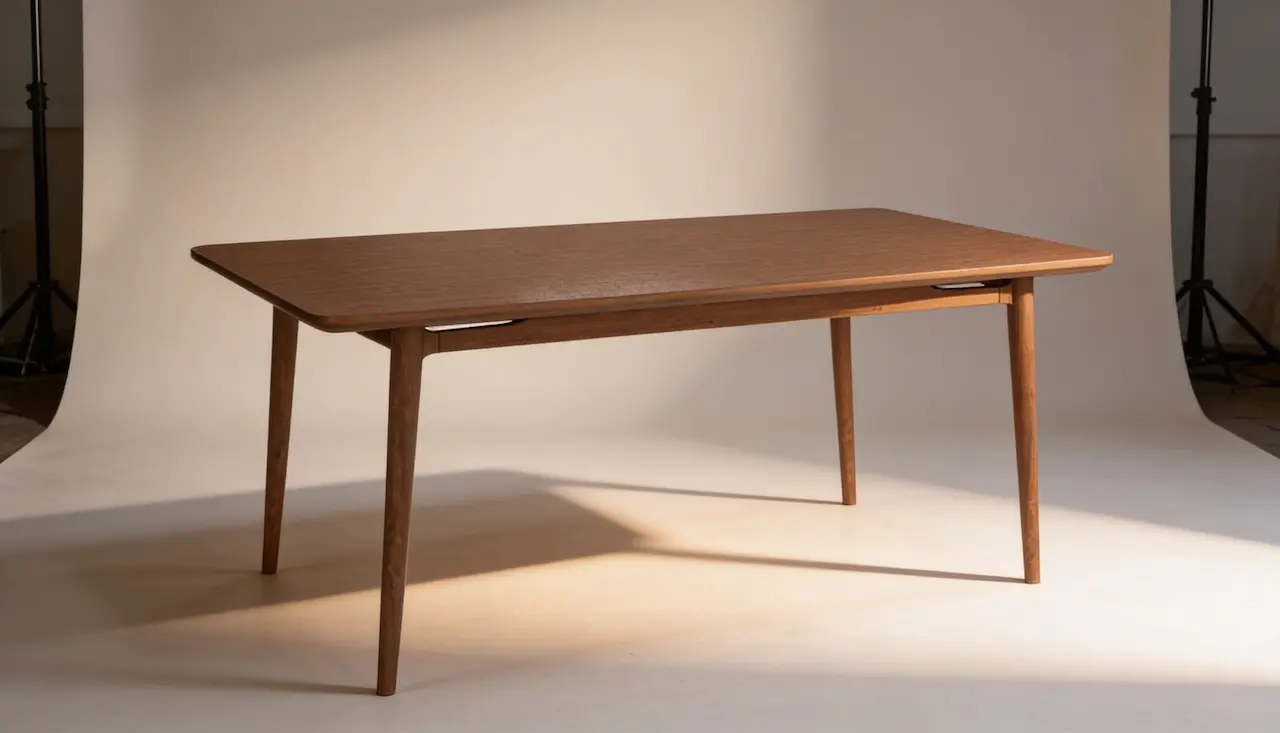
Zolak for 3D Product Modeling
Zolak is a 3D visualization company built specifically for modern ecommerce.
We combine expert 3D production with a powerful visualization platform, helping brands build a scalable library of digital assets.
Unlike traditional 3D projects that end with a delivered model, every asset created by Zolak can be reused across 3D Viewers, Configurators, Showrooms, AR experiences, 3D Rendering, and future product launches.
Accurate digital twins built from precise geometry and photorealistic PBR materials
Industry-standard 3D assets optimized for ecommerce and interactive visualization
Centralized asset library managed through the Zolak CMS
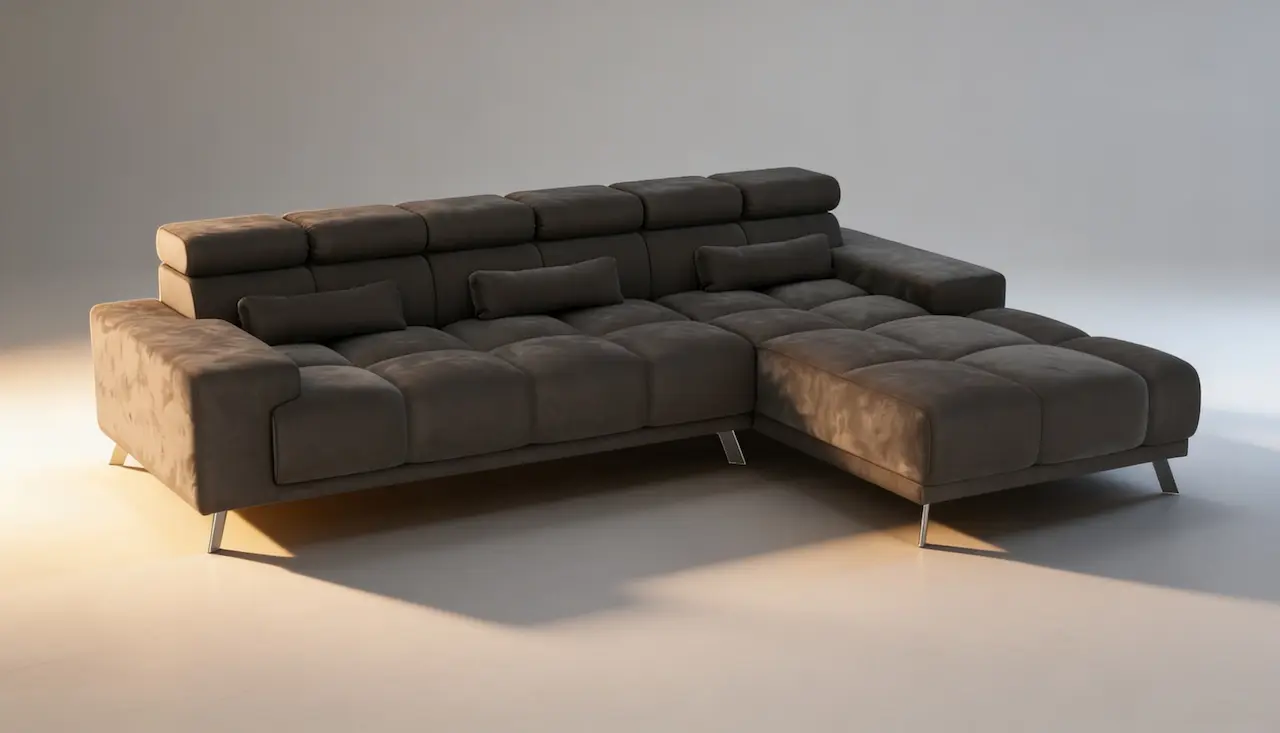
Scalable production for large catalogs, configurable products, and multi-SKU collections
Deliverables
What You Receive
Finished Geometry
A 3D model built to your product's real dimensions, including the details buyers look at: seams, joints, legs, and hardware.
PBR Materials and Textures
Material maps that define color, texture, roughness, and reflectivity. Materials are saved to your library and reused across future products.
Configured Product Variations
Colors, fabrics, and finishes set up as selectable options and mapped to your SKUs - one SKU per variation or a base product with interchangeable materials, whichever matches your store.
Optimized, Web-Ready Asset
A GLB file kept under 10 MB including textures, so it loads fast and runs smoothly on desktop, mobile, and in AR.
QA and Approval
We check every asset against your references before delivery. You then review it and can request up to two rounds of revisions. Complex products are approved in stages: geometry first, then materials.
Setup in Zolak CMS
Assets are uploaded and configured in your CMS account, so publishing them in any Zolak module is a few clicks, not a new project.
Workflow
Our 3D Modeling Process
Reference Collection
We gather product dimensions, technical specifications, photography, material references, and configuration requirements to ensure every 3D model is built with accuracy.
3D Modeling
Our artists create the product geometry from scratch, accurately recreating its proportions, construction details, and key design features.
Material Creation
We develop photorealistic PBR materials that replicate the product's real-world appearance, including color, texture, roughness, reflectivity, and light interaction.
Configuration Setup
The finished assets are uploaded into the Zolak CMS, where products, materials, SKUs, and variations are configured for use across Zolak modules.
Already Have 3D Models? Asset Preparation & Optimization
If you already have 3D files - from your design team, a manufacturer, or a previous 3D project - you don't need to start from scratch. We review them and prepare them for use across Zolak.
Asset Review
We check scale, orientation, mesh structure, UV maps, and baked ambient occlusion against Zolak's requirements, and tell you what can be used as is and what needs work.
Optimization
We remove hidden internal geometry, merge parts that share a material, and bring the file under 10 MB, so heavy design or rendering models load fast in the browser and AR.
Materials and UVs
Materials are rebuilt as glTF PBR (base color, normal, roughness at minimum), and UV maps are fixed so textures apply without stretching or seams.
CMS Setup
Prepared assets are uploaded and configured in your Zolak CMS, just like models we build from scratch.
Complexity
3D Model Complexity Levels
Simple 3D Models
Products with straightforward geometry and minimal components. Flat or gently curved surfaces with no stitching, piping, quilting, or decorative detailing.
Examples: Plain wooden or metal chairs, benches, credenzas, basic dining or coffee tables.
Medium 3D Models
Products with moderate complexity or basic upholstered elements. May include curved backs or seats, simple seams or piping, and a limited number of decorative details.
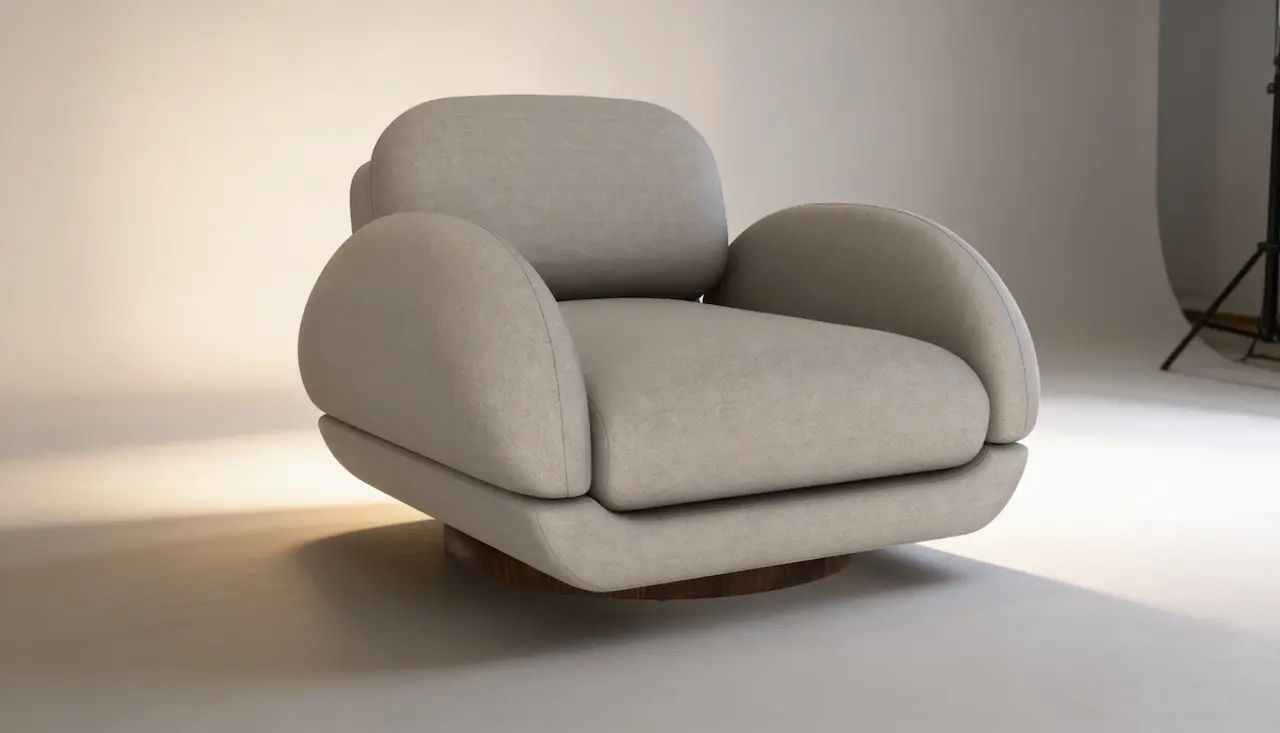
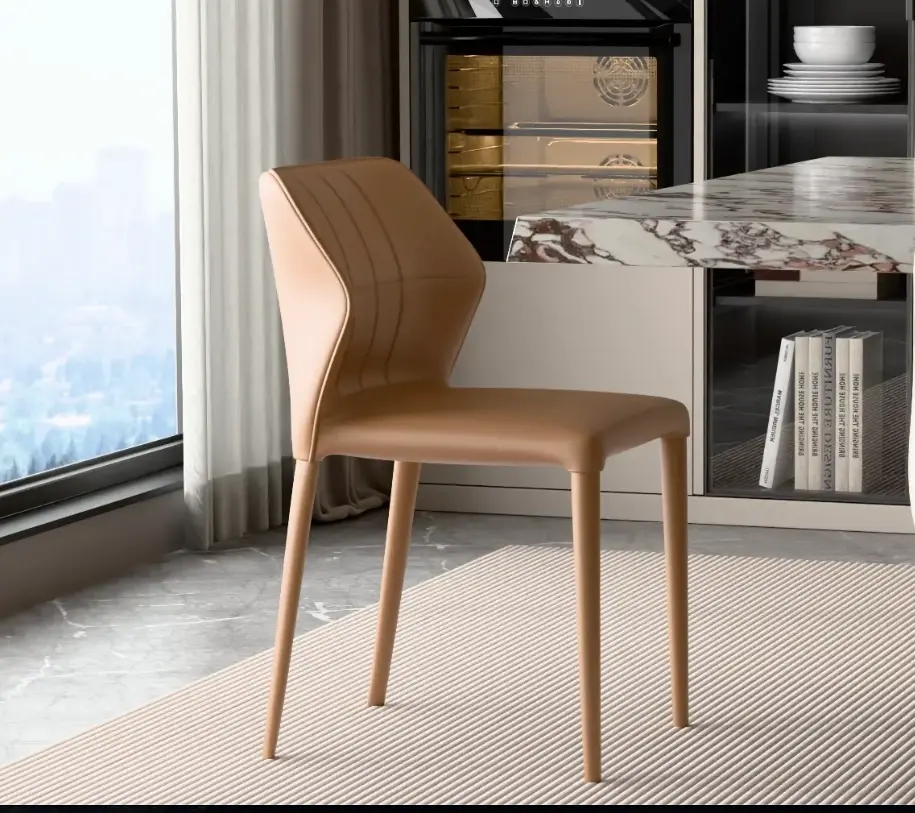
Examples: Upholstered dining chairs, ottomans with simple seams, contemporary lounge chairs.
Complex 3D Models
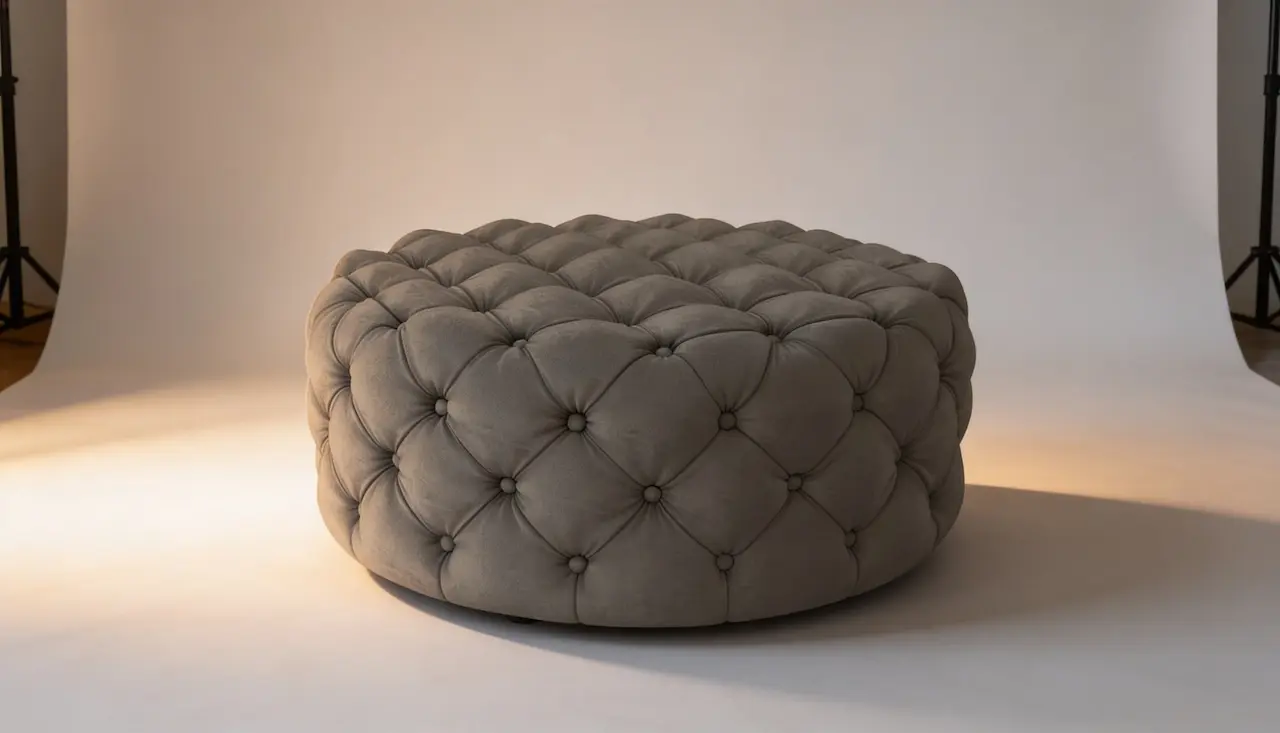
Products with intricate geometry and multiple detailed features. Includes deep tufting, quilting, extensive stitching or piping, woven/caned surfaces, carved wood, or forged metal components.
Examples: Wicker or rattan armchairs, cabinets with carved or ornate fronts.
Ultra-Complex 3D Models
Highest-complexity products with intricate ornamentation or repetitive patterns, including hand-weaving, carving, lattice/perforated structures, and forged metalwork.
Examples: Fully woven lounge sets, classical carved furniture, decorative filigree or forged pieces.
Texturing
3D Material & Texturing
Photorealistic PBR Materials
All materials are created using industry-standard PBR workflows, stored within your dedicated Zolak material library and can be reused across future projects and product collections.
Material Complexity Levels
- Simple Materials: Uniform surfaces with minimal variation and straightforward visual properties.
- Medium Materials: Materials with visible grain, weave, texture, or natural variation that require more detailed recreation.
- Complex Materials: Materials featuring intricate patterns, layered effects, relief, or significant surface variation that require advanced texturing techniques.
Benefits
Why Brands Invest in 3D Product Modeling
References
What We Need to Create Your 3D Models
✓ Overall width, depth, and height
✓ Measurements of cushions, armrests, backrests, legs, and other structural elements
✓ CAD files or technical drawings (optional)
*CAD files are not required, but they can significantly accelerate production and improve dimensional accuracy.
Photography
✓ Front, back, and side views
✓ High-resolution images with even lighting
✓ Close-up shots of stitching, seams, piping, joints, and construction details
✓ Flat material samples between 20 × 20 cm and 40 × 40 cm
✓ Minimum resolution: 1024 × 1024 px (4096 × 4096 px recommended)
✓ Evenly lit photography without shadows, reflections, folds, or distortions
✓ Camera positioned parallel to the material surface
Texture References
✓ Seamless or tileable material image (preferred)
✓ Macro photos showing weave, grain, relief, and surface structure
✓ Sharp, high-resolution images without compression artifacts
Material on Product
✓ Product photos showing the material applied in real-world conditions
✓ Close-up images showing texture scale, pattern direction, sheen, and surface details
✓ References demonstrating how the material reacts to light
SKU Structure
✓ Product names and SKU IDs must match your ecommerce platform to ensure seamless integration
Configuration Logic
✓ Clear definition of configurable options such as materials, finishes, and colors
✓ Identification of fixed components and dependencies
Product Metadata
✓ Pricing, variation descriptions, and any additional deployment data required for CMS setup and product configuration
To streamline the process, we provide step-by-step guidelines for product photography, material digitization, and asset preparation, ensuring you know exactly what is needed before production begins.
What Can 3D Product Models Be Used For?

Trusted by Brands Hosting 100,000+ Products and Counting
Emilia Peltola
Owner, Valolma
"Zolak is not just a service provider, they are a trusted partner. Professional, knowledgeable and deeply committed to delivering the best possible results.
We worked with Zolak on the development of software and 3D models for curtains and our experience has been outstanding. They proactively identified risks, brought clarity to complex requirements, and delivered thoughtful, effective solutions at every stage."

Aidan Mackinnon
director, Cut Throat Knives
"The team at Zolak were fantastic to work with. Every step of the way they were responsive, amenable to changes and clearly communicated pricing.
I couldn't be happier with the service that they've provided and look forward to working with them well into the future."
Industries We Work With
-
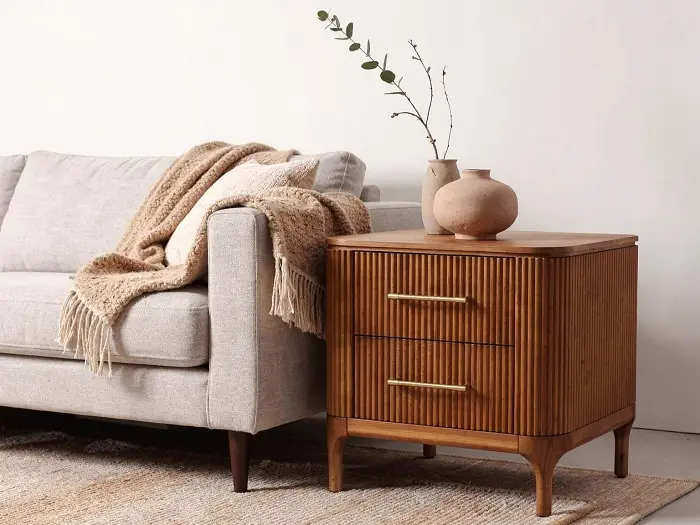
Furniture
-
Textiles & Fabrics
-
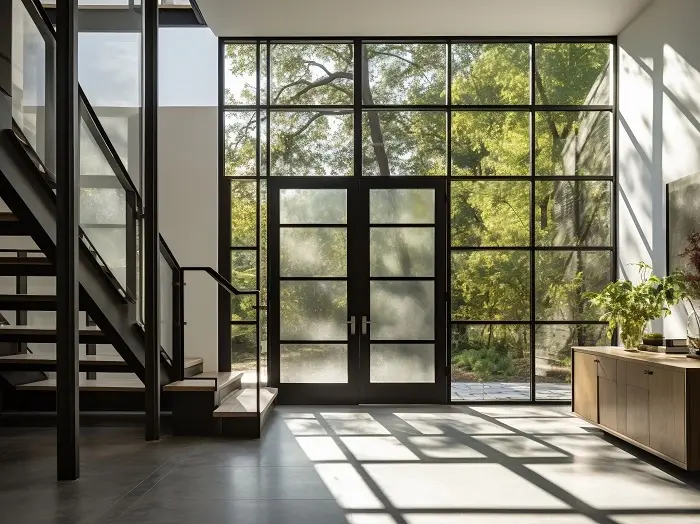
Doors & Windows
-
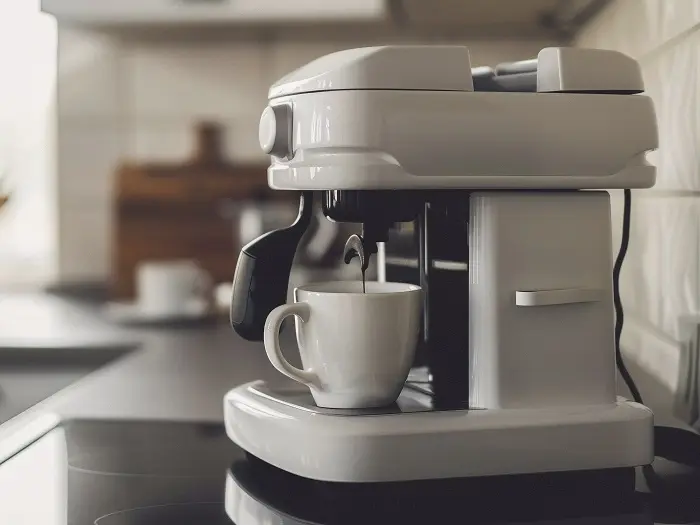
Consumer Electronics & Gadgets
-
Apparel, Footwear & Accessories
-
Wall Decor
-
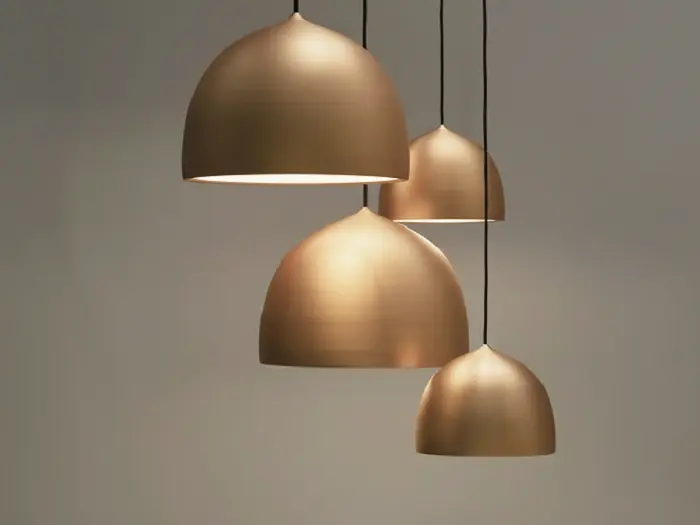
Lighting
-
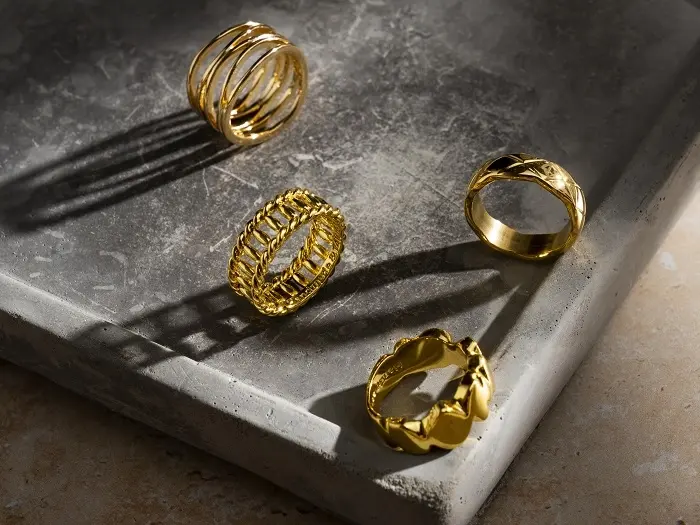
Luxury Jewellery
-
Sporting Goods & Equipment
-
eCommerce
FAQ
What is included in your 3D product modeling service?
How long does 3D modeling take?
Typical production times:
- Simple model: from 30 minutes
- Medium complexity: from 1.5 hours
- Complex: from 4 hours
- Ultra-complex: from 6 hours
How much does 3D product modeling cost?
- Simple — from $30
- Medium — from $60
- Complex — from $150
- Ultra-Complex — from $280
How much does 3D material creation cost?
- Simple Materials — from $25
- Medium Materials — from $40
- Complex Materials — custom quote
What products can be modeled in 3D?
What are PBR materials, and why do they matter?
What reference materials do you need?
Can I provide my own existing 3D models instead of creating them from scratch?
Can I use the 3D models outside Zolak?
What file formats do you work with?
Ready to Create Your Digital Twins?
Whether you need a single hero product or a full configurable catalog, Zolak delivers photorealistic, ecommerce‑ready 3D assets built for performance and scale.