
3D Product Merchandising uses interactive 3D, AR, and virtual environments to present products in a realistic, configurable, and context-rich way. Instead of static images, products are digitized as 3D assets once and then reused across shopping and marketing experiences.With Zolak, brands can:
- Configure: Show every variant (color, fabric, finishes) instantly.
- Contextualize: Present products in true scale and proportion within lifelike environments.
- Bundle: Merchandise items together as complete sets to increase AOV.
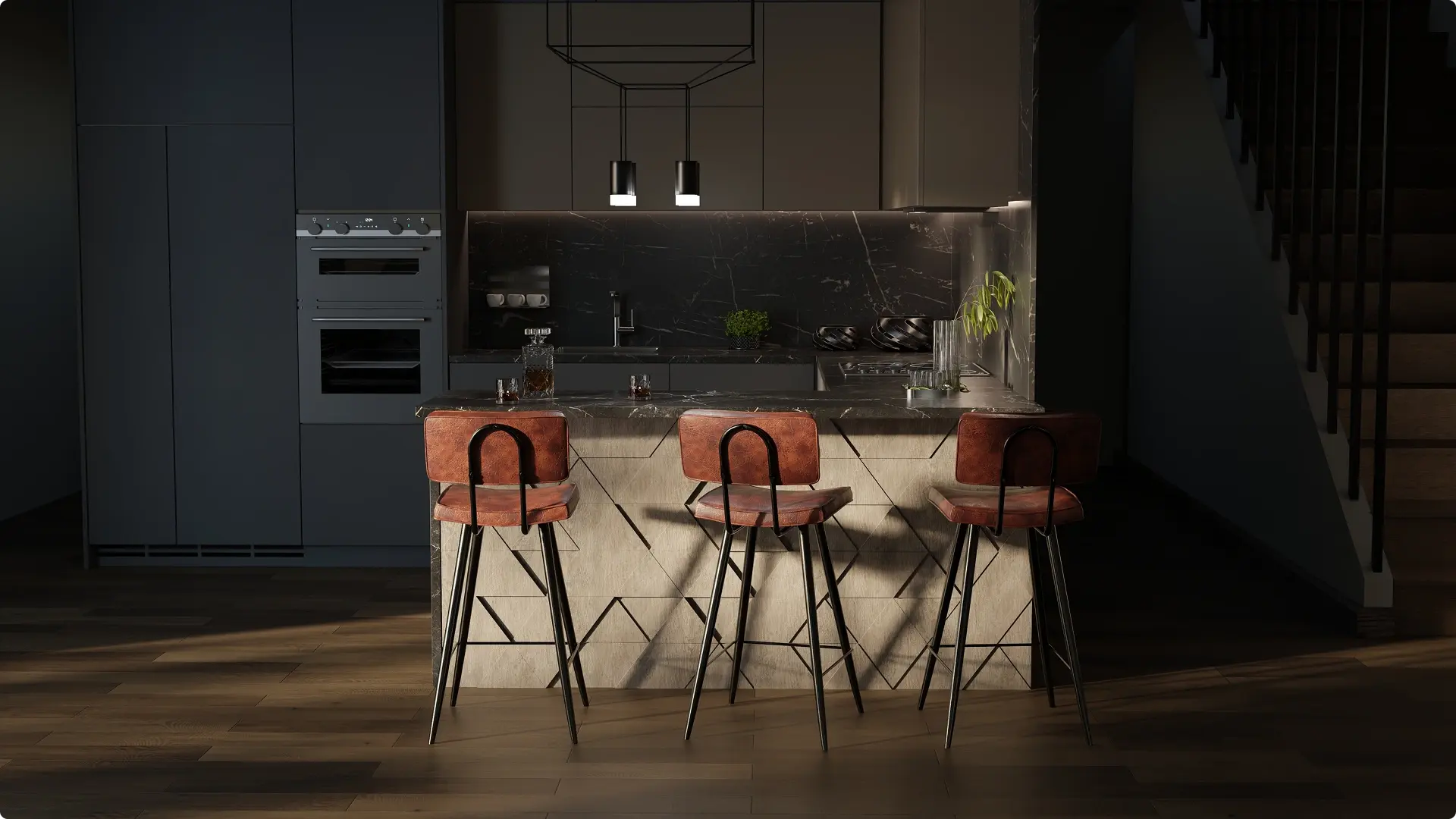
- Create Content: Generate photorealistic product images for PDPs, campaigns, and marketing.

See How Zolak Redefines 3D Merchandising for Modern E-Commerce

.webp)
Who Benefits Most & Industry Examples
-
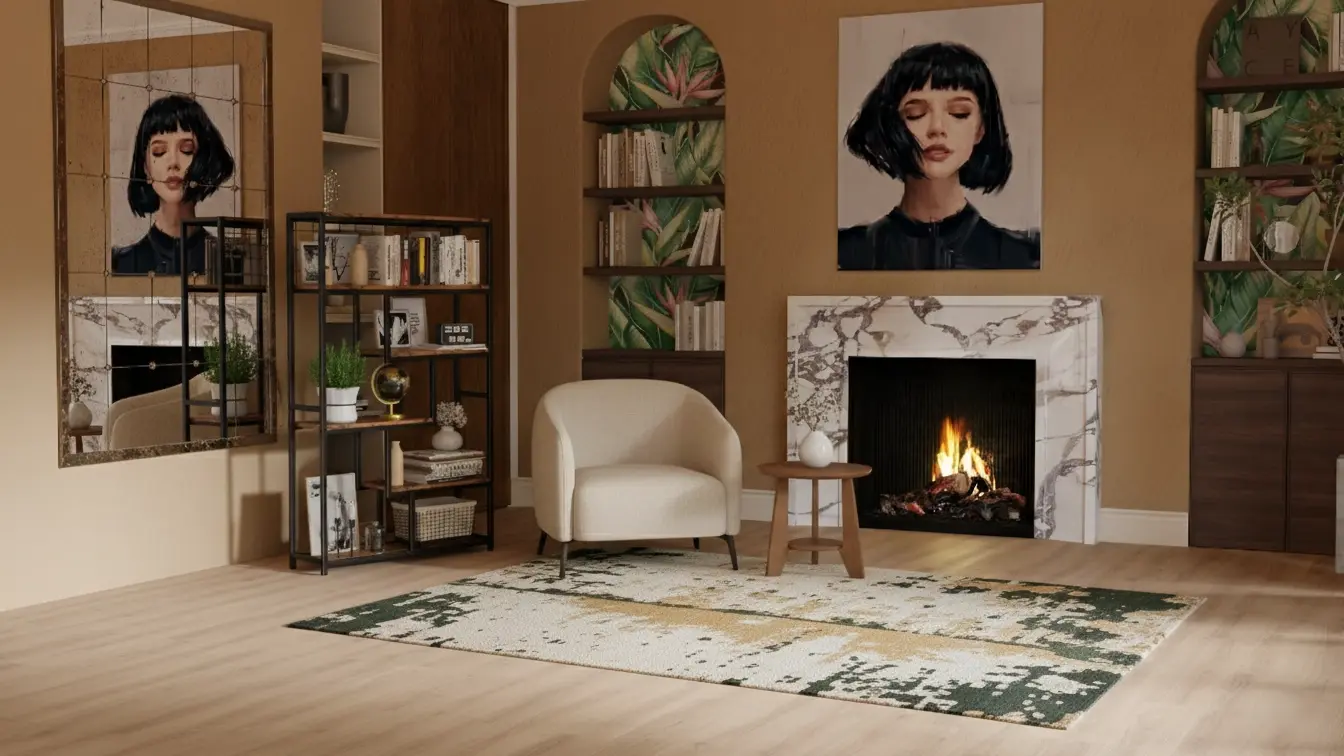
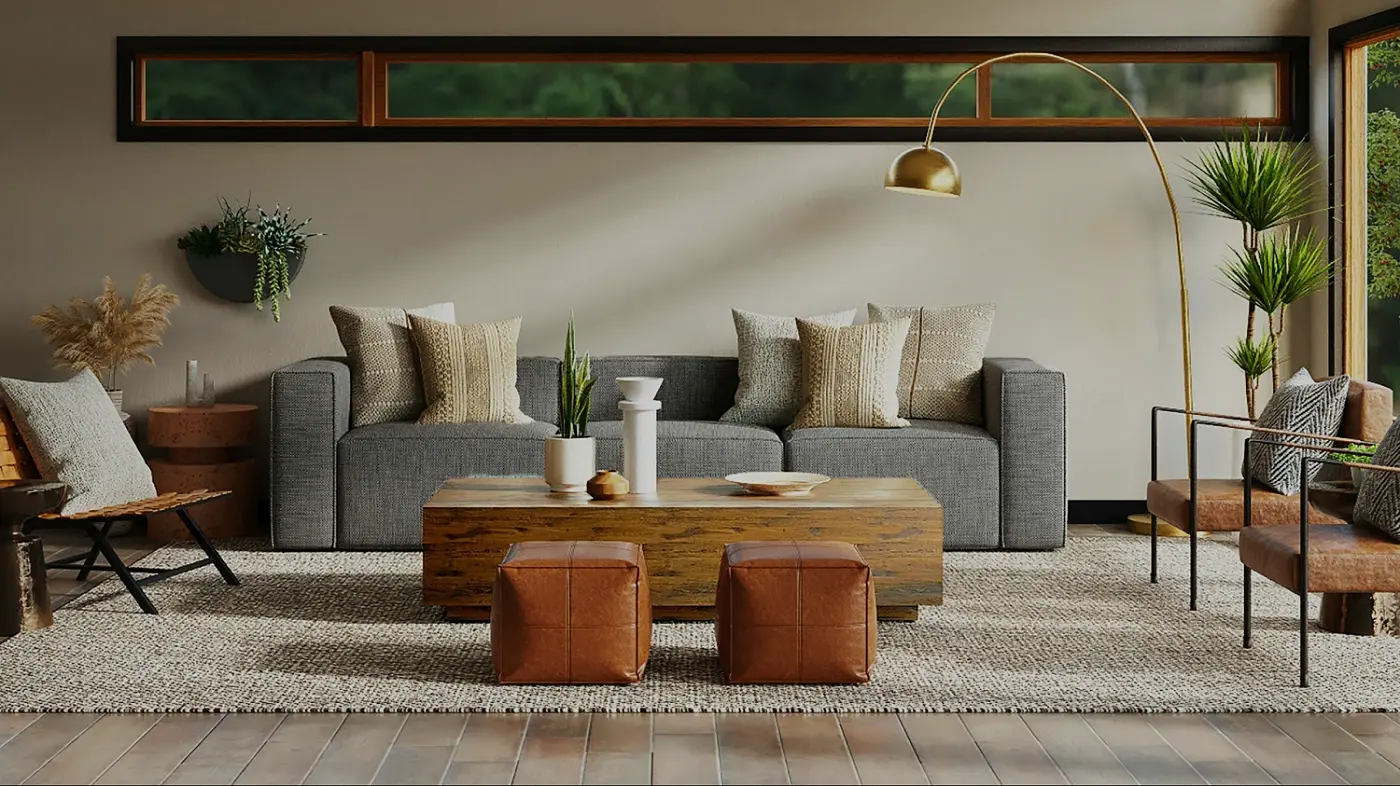
 Merchandise furniture, curtains, and décor together to sell complete interiors.
 -
 Product DesignersTest demand before production. Use photorealistic renders to validate concepts, pre-sell, or secure buy-in.
 -
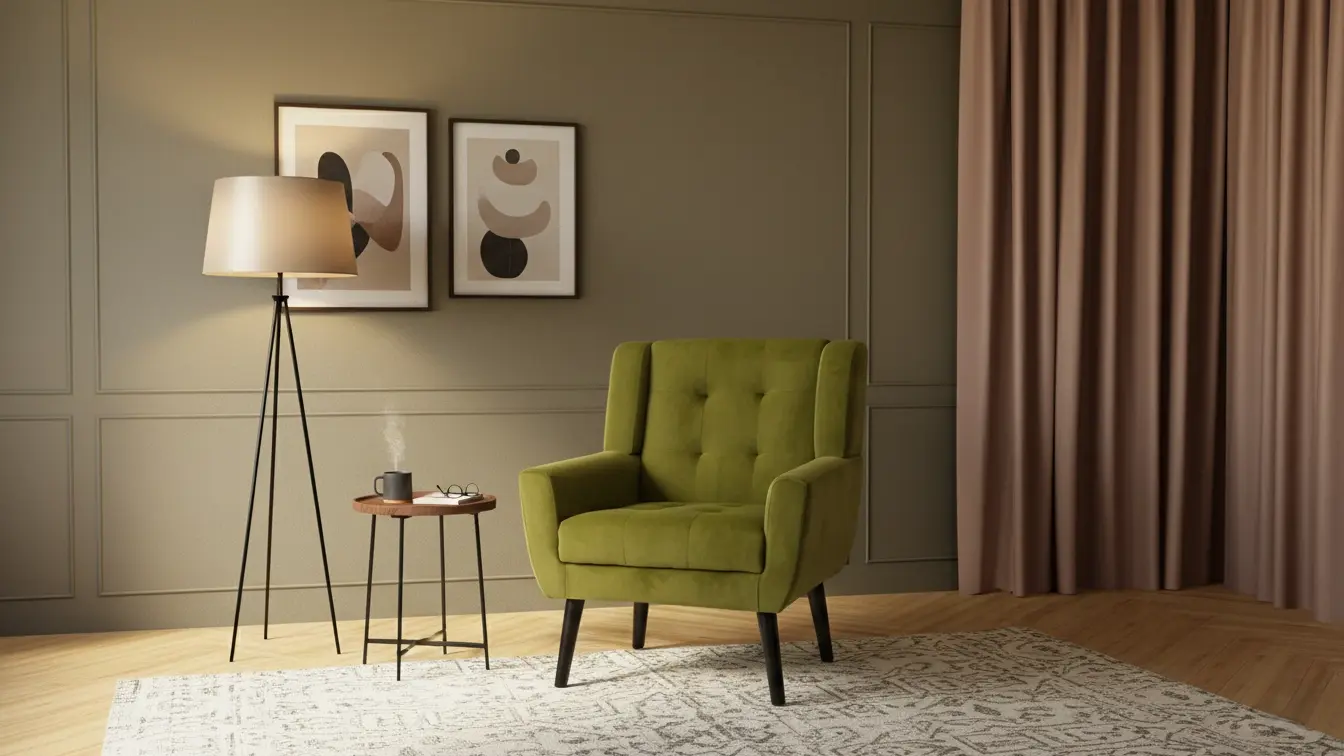
 Help customers preview art, frames, and wall décor on their own walls to ensure the perfect fit and finish.
 -
%20(1).webp?width=1400&height=700&name=66%20(1)%20(1).webp) E-commerce Merchandising TeamsPopulate your product pages with rich content. Instead of 3 standard photos, launch with 360-degree views, 5 lifestyle scenes, and 10 color variations for every SKU.
E-commerce Merchandising TeamsPopulate your product pages with rich content. Instead of 3 standard photos, launch with 360-degree views, 5 lifestyle scenes, and 10 color variations for every SKU. -
 Marketing TeamsReuse 3D assets for campaigns, seasonal drops, and product launches with speed and consistency.
 -
.webp?width=1024&height=512&name=3D%20Product%20Merchandising%20(1).webp) Visual MerchandisingPlan digital displays, test layouts, and present styled scenes before physical execution.
Visual MerchandisingPlan digital displays, test layouts, and present styled scenes before physical execution. -
 JewelryPresent fine details, materials, and craftsman
 -
 Clothing & FashionShow how garments look across colors, fabrics, and seasonal drops while keeping visual consistency.
3D media makes for a much more interactive shopping experience. Customers can examine our products from every angle, including AR, which helps them get a better sense of quality, size, and other details that matter.
Rebecca Minkoff Co-founder & CEO, Uri Minkoff

-1.png?width=110&height=110&name=Ellipse%2086%20(3)-1.png)
Are you using any of these platforms?
We integrate with each of them and more



.png?width=220&height=90&name=salesforce-commerce-cloud-logo%20(1).png)



Don’t see your CMS here?Let’s talk