Skip to content

Trusted by Brands Hosting 100,000+ Products and Counting

Features

Zolak Render Studio

SILO Rendering

Get high-quality images of your products on a seamless white or neutral background with controlled lighting and endless configuration options that reveal every detail with precision.
  • No visual noise — only your product in focus.
  • Consistent views from any angle or perspective.
  • Every stitch, texture, and detail rendered clearly.
  • Photoreal shadows for a studio-quality look.
  • Choose Light or Pro rendering quality for your needs.
12 (1)

Lifestyle Rendering

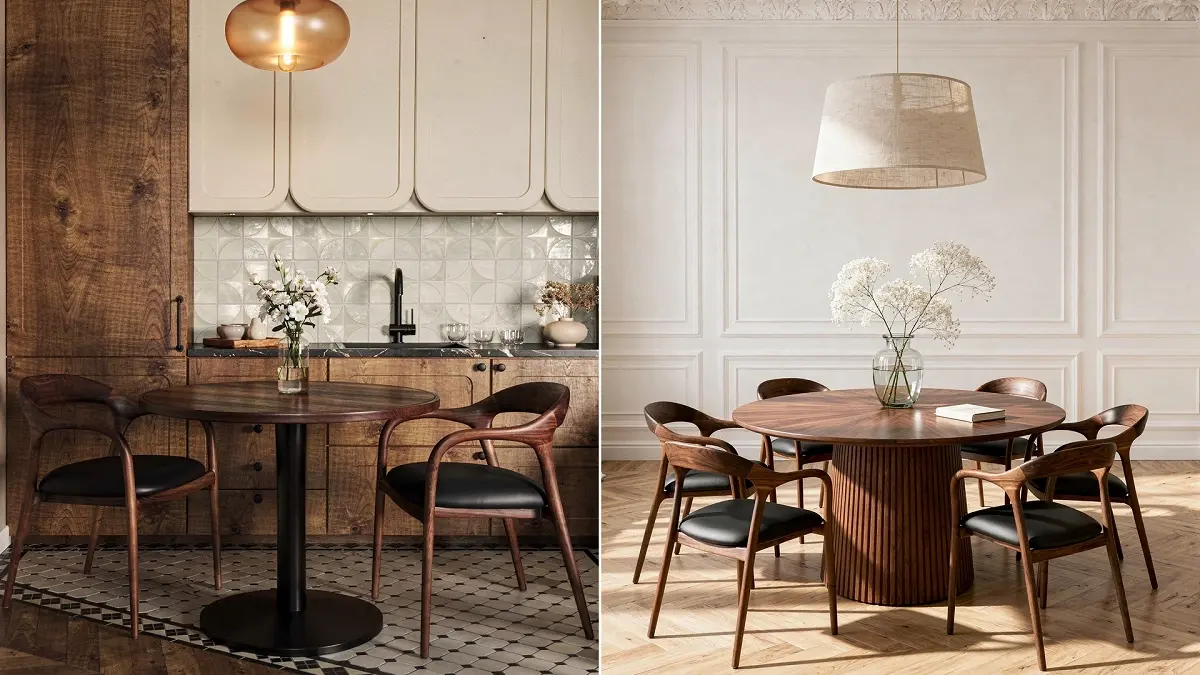
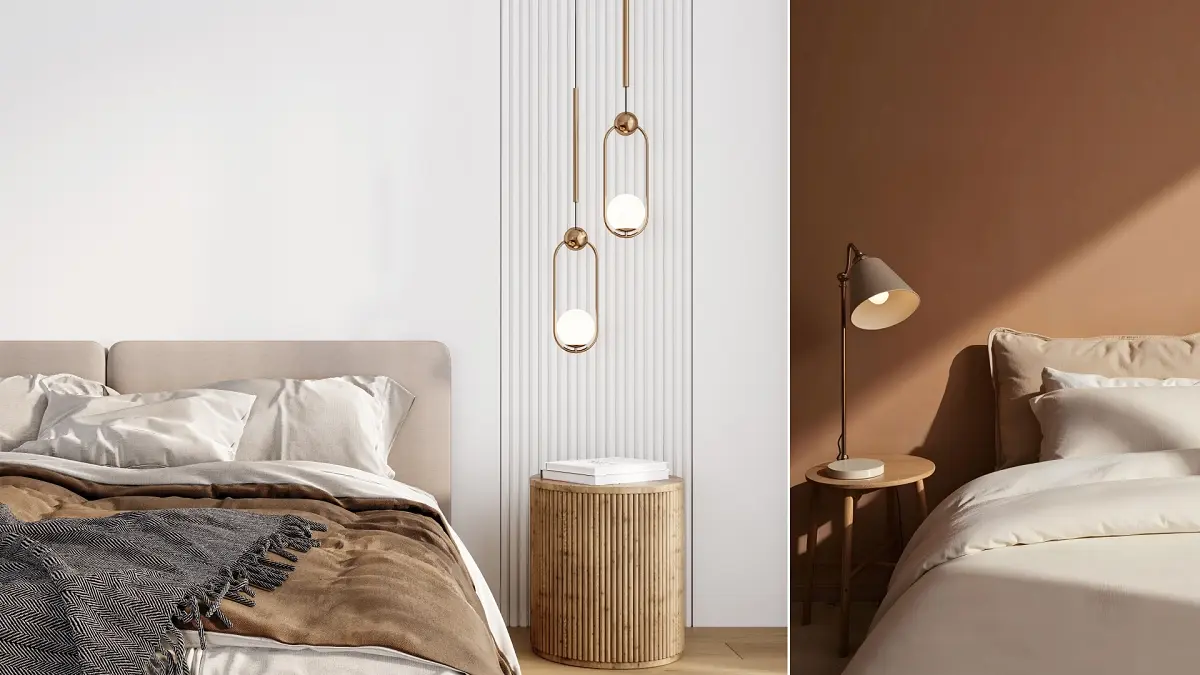
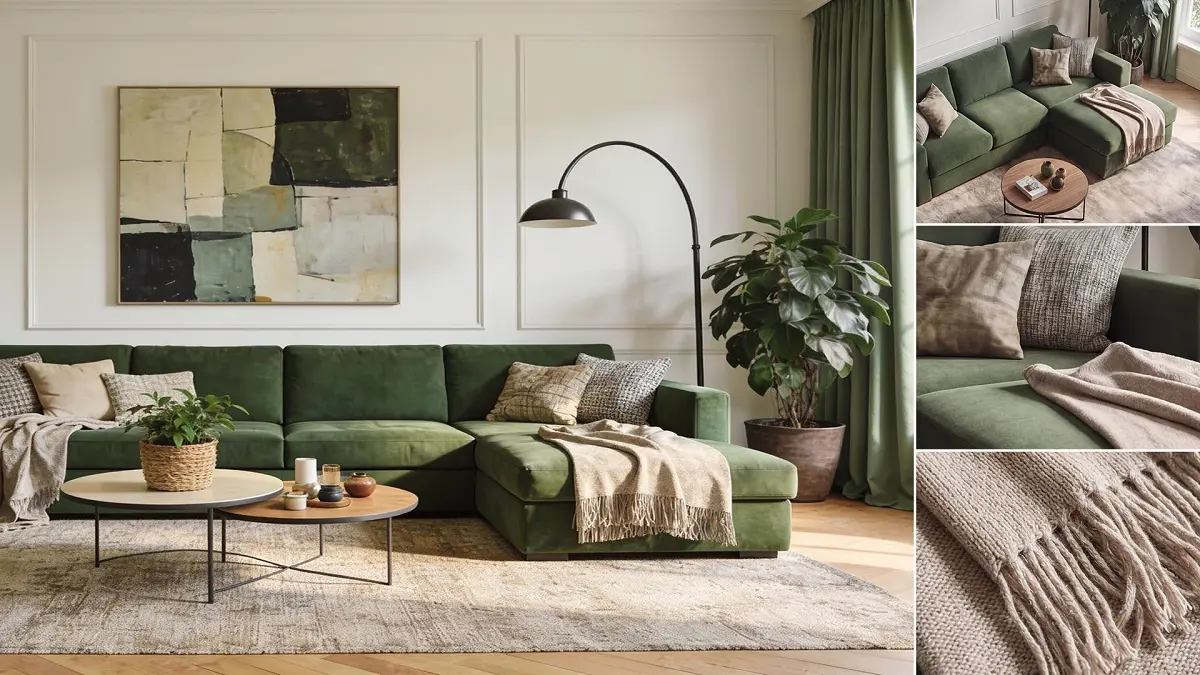
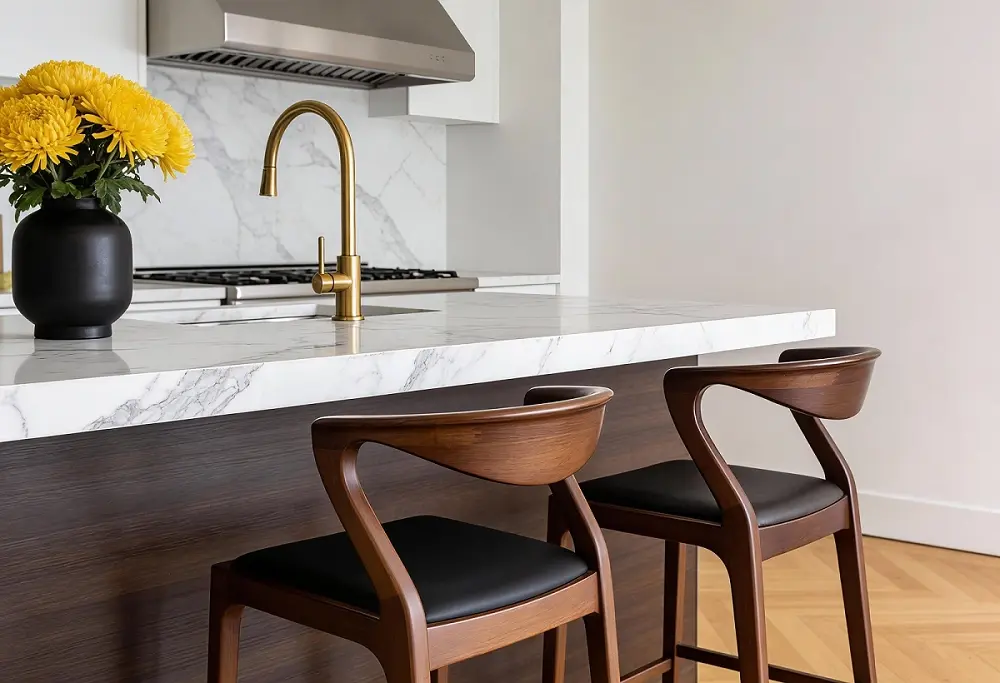
Place products in realistic settings to create context and atmosphere. They help customers visualize how an item fits into a complete space, driving engagement and full-room purchasing across e-commerce and marketing.
  • Hero Lifestyle Shots – Make Your Product the Star
  • Showcase a single product in a perfectly styled setting.
  • Highlight craftsmanship and real-life fit.
  • Ideal for PDPs, ads, and high-impact marketing.
  • Group Lifestyle Shots – Compare & Cross-Sell
  • Display multiple pieces in a curated scene.
  • Show variations, complementary items, and full-room setups.
  • Boost bundled purchases and inspire shoppers.
972 (1)

Final Render Quality: Light & Pro

  • Light Rendering: Photorealistic visuals with controlled lighting and balanced contrast. Every material and detail is clear and consistent. Use Relight feature to quickly simulate different lighting scenarios and enhance realism.
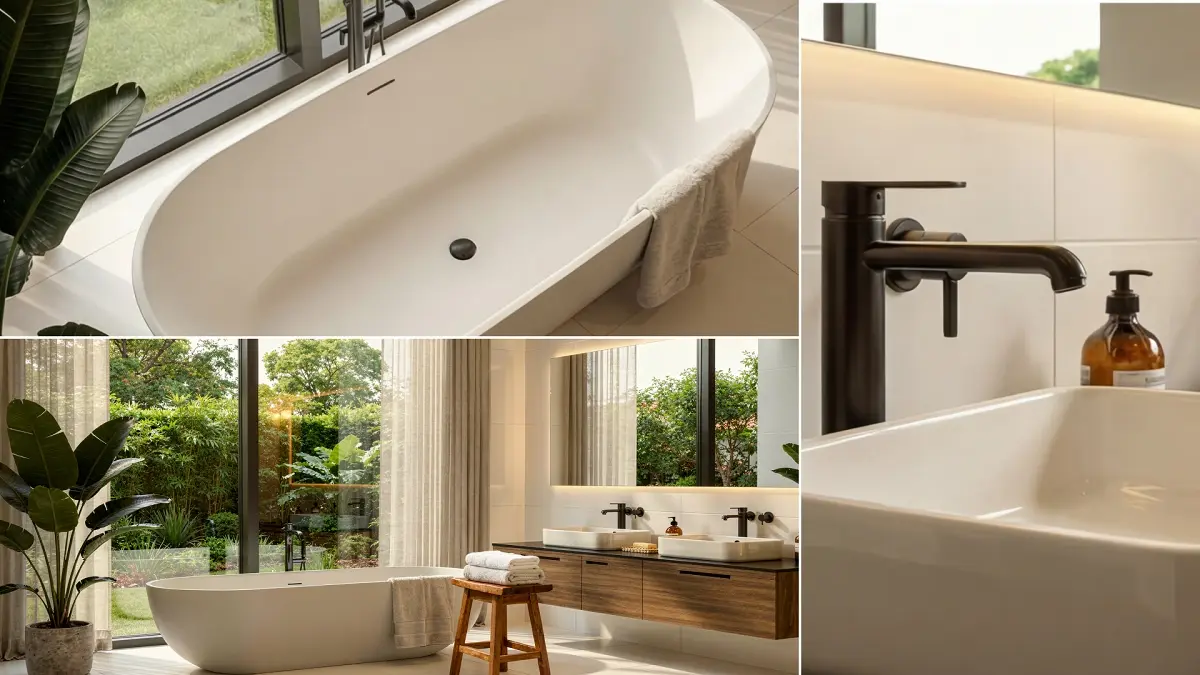
  • Pro Rendering: Premium-grade visuals with advanced light interaction and material response. Deep shadows, strong highlights, and precise textures bring out every surface detail. Perfect for large displays, zoom-ins, and print.
17
Zolak AI Studio

Zolak AI Studio: Professional Product Content Without 3D Assets

Turn a single product image into a complete content library with AI product photography. Generate silo, hero, and lifestyle visuals in minutes — without 3D models, photo shoots, or technical expertise.

Whether you're launching your first online store or managing a catalog of 100,000 products, AI Studio makes professional product imagery accessible to every team.

976
Workflow

Generate a Complete Product Content Pack in Four Simple Steps

Creating a complete product content pack takes just four simple steps.

01

Step 1: Input Data & Upload Images

Enter your product dimensions (Width, Height, and Depth), link an existing SKU or create a new one, and upload one or more product photos. A single image is enough to get started, while additional images help generate more diverse visual content.

02

Step 2: Define Product Class

Select the appropriate Category, Subcategory, and Product Class so AI can apply optimized generation workflows for your product type.

03

Step 3: Control Your Content Pack

Take full charge of your final output and budget. Build your custom pack by selecting the exact quantity of images you need across different formats (e.g., 5 Silos, 10 Hero Shots, 10 Lifestyles).

04

Step 4: Generate & Save

Generate your content pack and fine-tune settings such as product scale or background colors where available. Save your assets to the Zolak library or download them for immediate use.

Image pack

AI-Generated Content Types

539352101

Silo Images

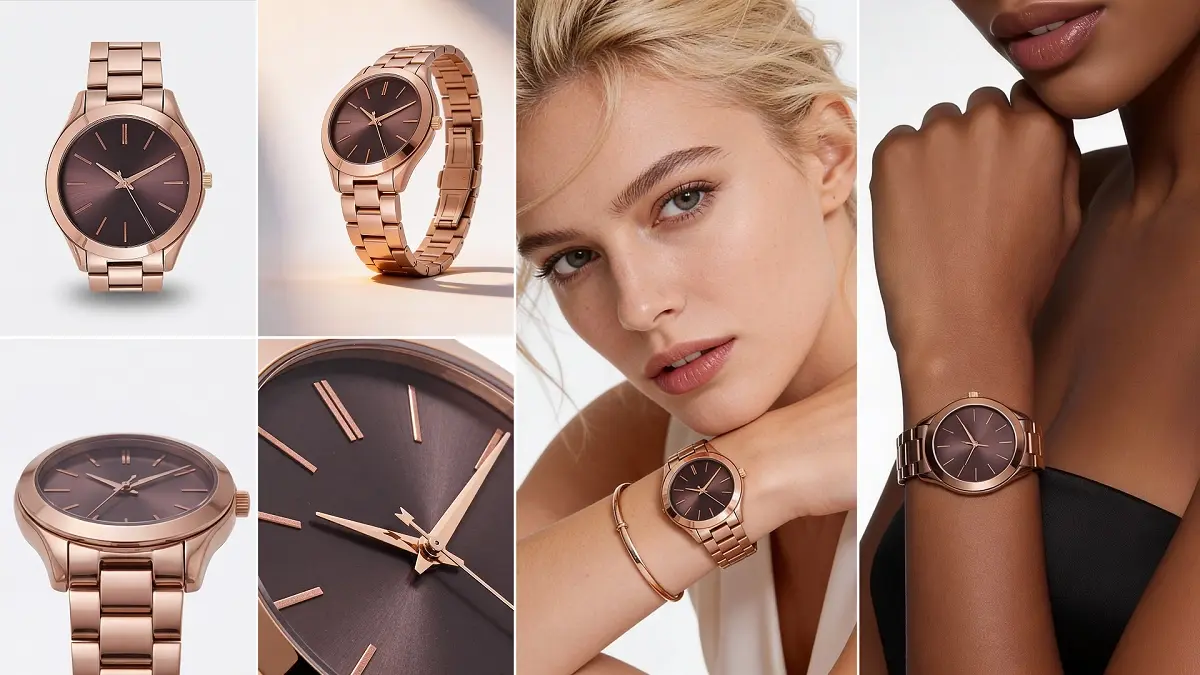
Crisp images where the product is accurately isolated and placed on a clean white background to ensure catalog consistency. You have full control to change the background colors and adjust the product scale.

Frame 2087326107

Hero Shots

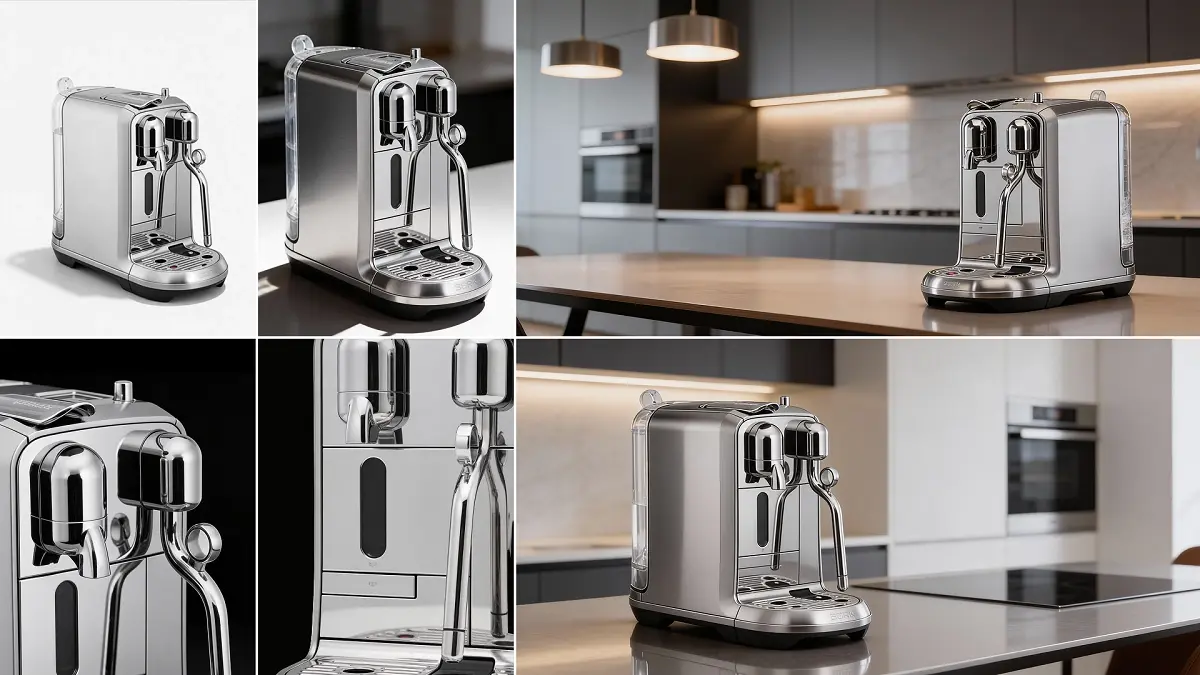
Front-facing product images designed to showcase your product from its best angle and create a powerful first impression.

539352104

Close-Up Images

Hero source needed

Highlight materials, finishes, textures, and craftsmanship with AI-generated close-up imagery.

539352103

Lifestyles

Beautiful contextual images that place your product in natural, real-world scenes to perfectly illustrate its style, environment, and use case.

AI Product Descriptions Included

AI analyzes your uploaded product image and generates clear, engaging product descriptions ready for ecommerce listings, product pages, and marketplaces. Maintain consistent product copy while significantly reducing manual content creation.

Use Cases

Industries We Work With

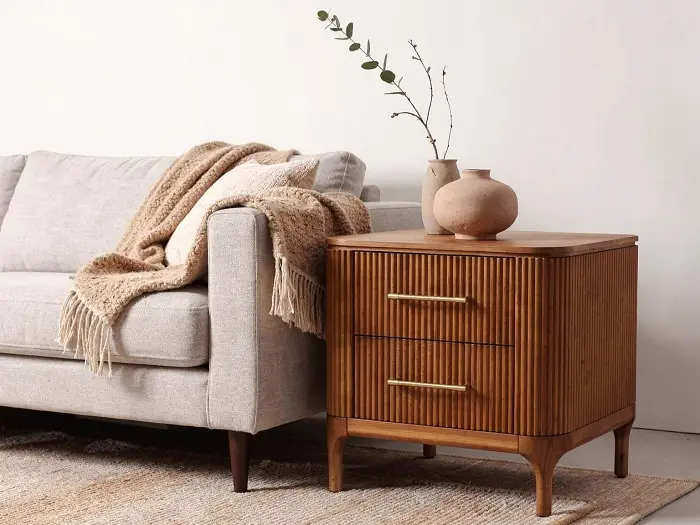
  • furniture Residential Furniture & Decor
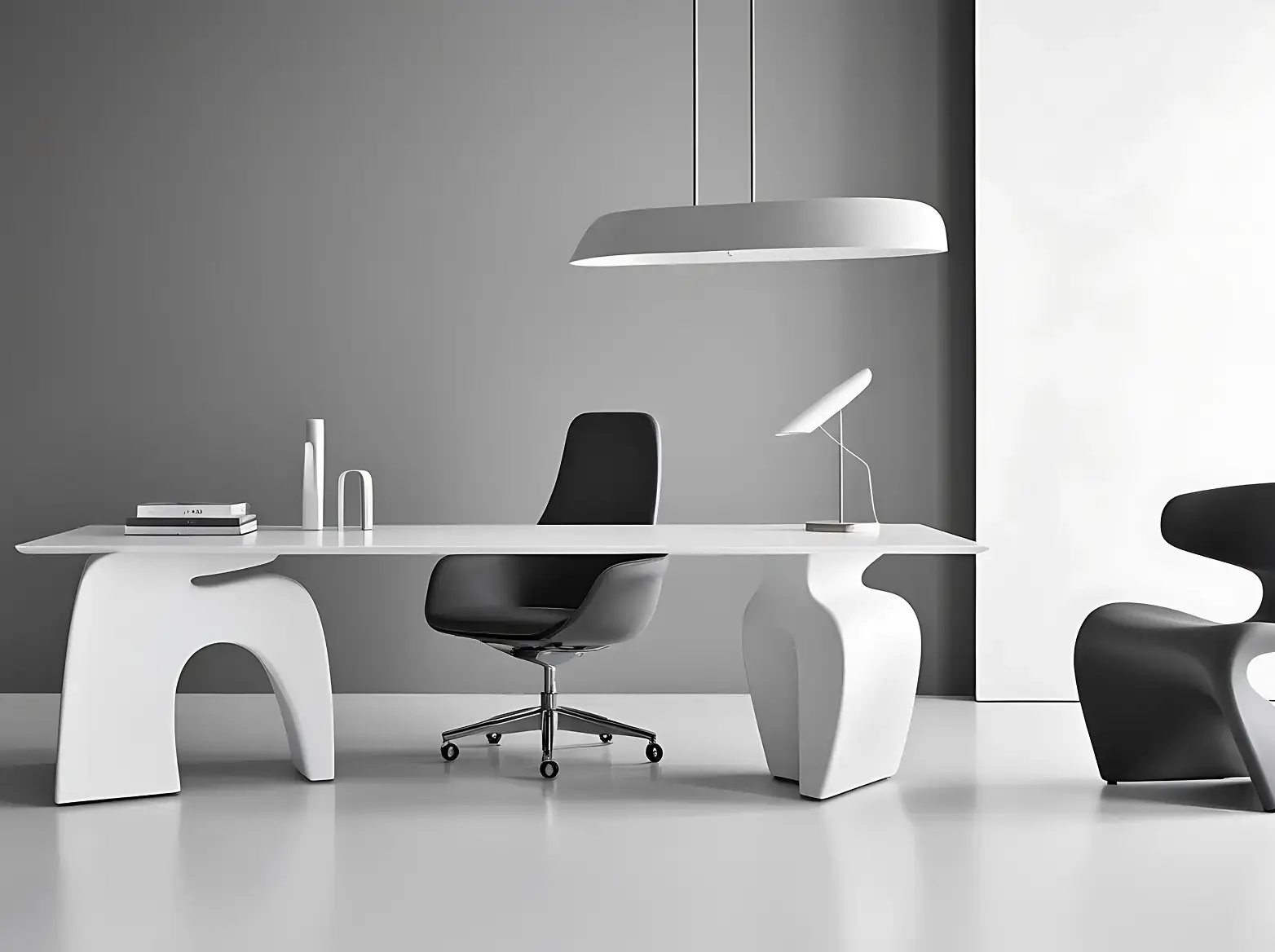
  • Frame 7927 Commercial Furniture & Decor
  • Frame 7928 Outdoor Furniture
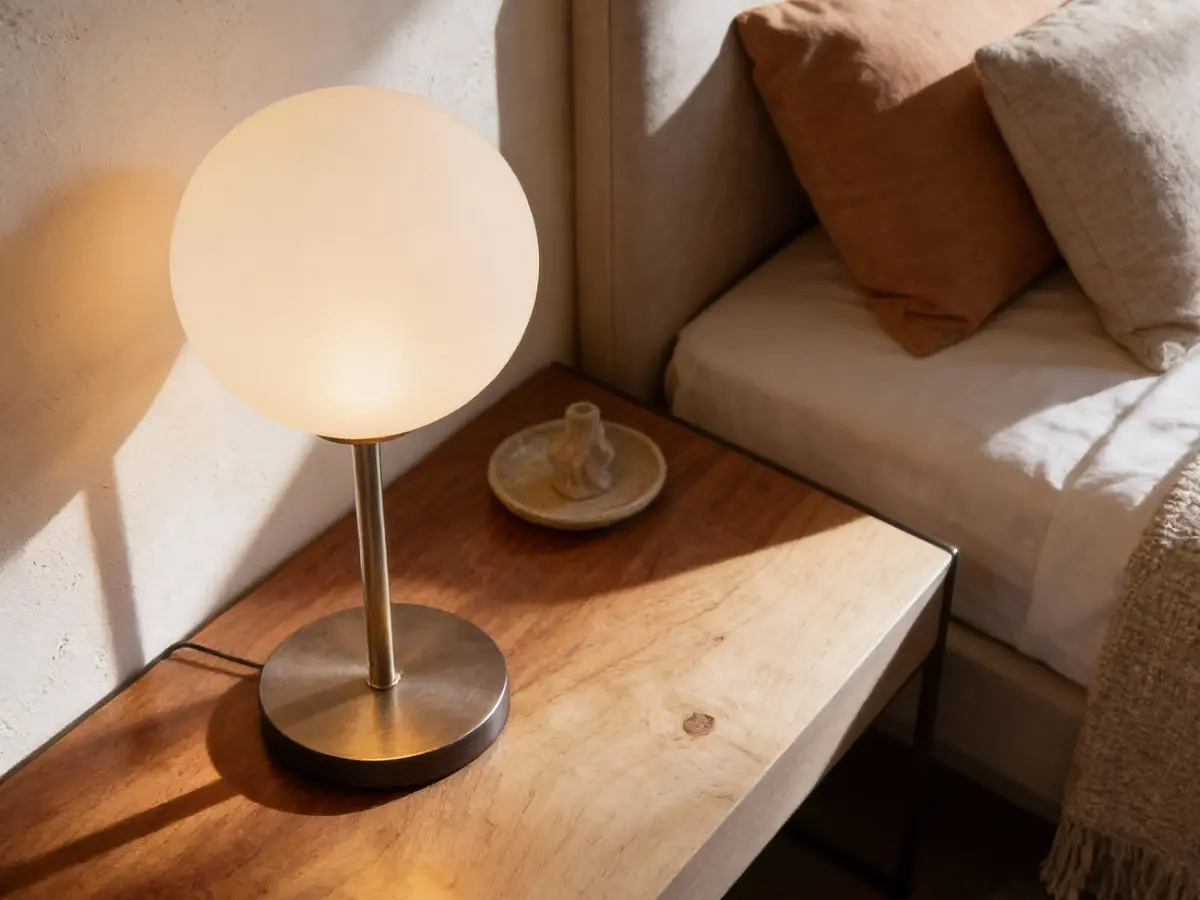
  • Lighting-2 Lighting
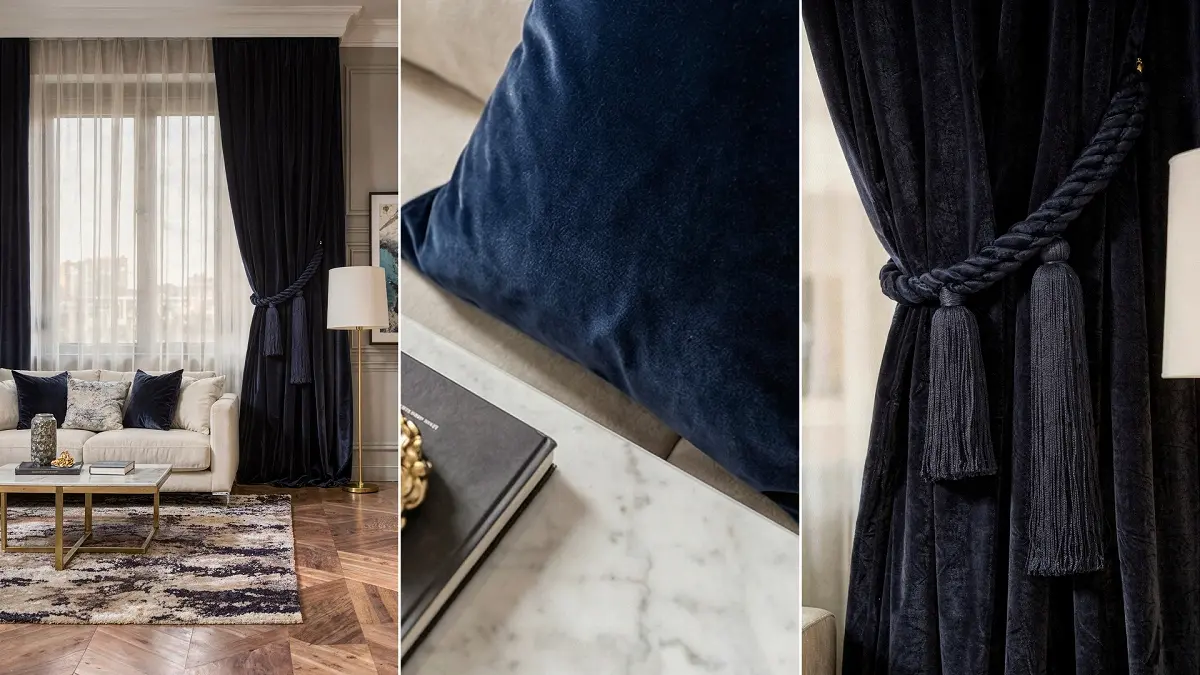
  • Textiles & Fabrics (2) Textiles
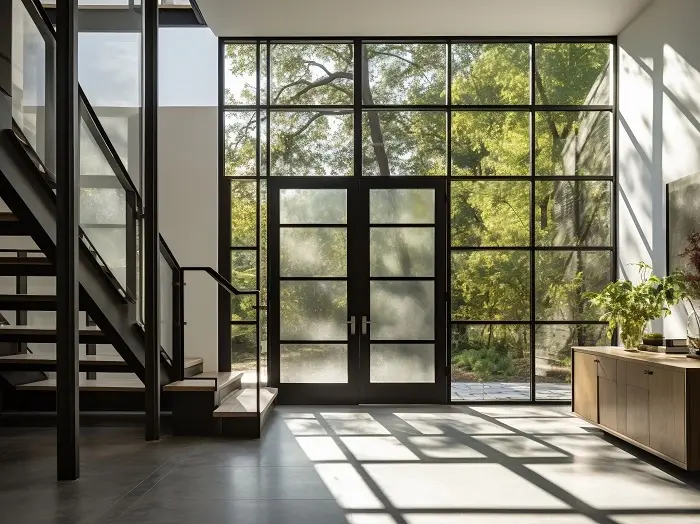
  • Doors & Windows-1 Doors & Windows
  • sporting goods Sporting Goods & Equipment
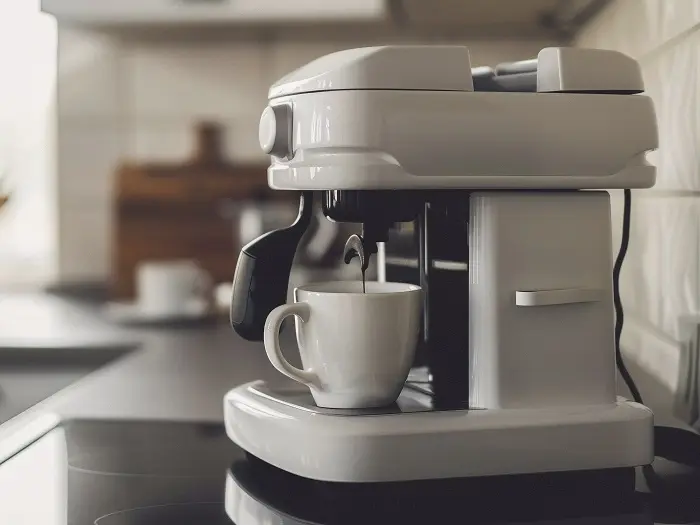
  • view-coffee-machine-making-coffee-home Consumer Electronics & Gadgets
  • fashion Apparel, Footwear & Accessories
  • view-luxurious-golden-ring-rock-concrete-tray Luxury Jewellery
Portfolio

Explore Our Rendering Examples

benefits

Why Zolak?

 
Cost Savings

Save time and costs by generating a wide array of customizable, protorealistic images, reducing logistical challenges.

 
Reliability

Reduce the risk of limited or unsatisfactory images which are common pitfalls associated with traditional photography.

 
Consistency Across Channels

Whether for catalogs, brochures, or enhancing your online stores, our solution maintains image consistency across channels.

 
Image and Asset Flexibility

Take control of your assets with the ability to quickly and easily update your visuals for streamlined workflow.

 
Easier Manufacturing

Present furniture sets in various contexts by independently swapping background images from products.

 
High Quality Visuals

Showcase product designs with exquisite detail, highlighting craftsmanship nuances, intricate textures, and finishes.

Unlock Zolak Visual Commerce Capabilities

Zolak Showroom capabilities
Zolak Showroom

Offer immersive try-before-you-buy experiences to build consumer confidence.

Zolak Configurator capabilities
Zolak Configurator

Display every potential product customization in real-time and provide your buyers with ownership of the product.

Show More, Sell More

Produce thousands of photorealistic product images from any angle at a fraction of the cost with Zolak Studio.