Skip to content

for door sellers

What Is a 3D Door Configurator?

A 3D door configurator is an interactive tool on your website that shows each door in your catalog as a 3D model. Buyers choose a finish, glass, and hardware color from the options you offer and see the result instantly, instead of piecing it together from swatches and photos.

Zolak's door configurator is built for door manufacturers, dealers, and retailers who sell online or in the showroom. It runs right on your product pages and uses your own catalog: your models, your finishes, your prices. Buyers choose their door before they contact you, and your team spends less time explaining options.

Zolak Makes a Difference

Without
  • Buyer's remorse
  • Limited website interaction
  • Ineffective product presentation
  • Limited product display options
  • Static images
  • Lengthy visual content updates
  • Lower conversion
  • Limited opportunities for upselling
With
  • Informed decisions
  • Boosted site time and engagement
  • Comprehensive product presentation
  • Continuous visuals variety
  • 360° viewing and virtual showrooms
  • Effortless content refresh
  • Faster buying decisions
  • Upselling complementary items
Features

Zolak 3D Door Configurator Features
yourstore.com/doors
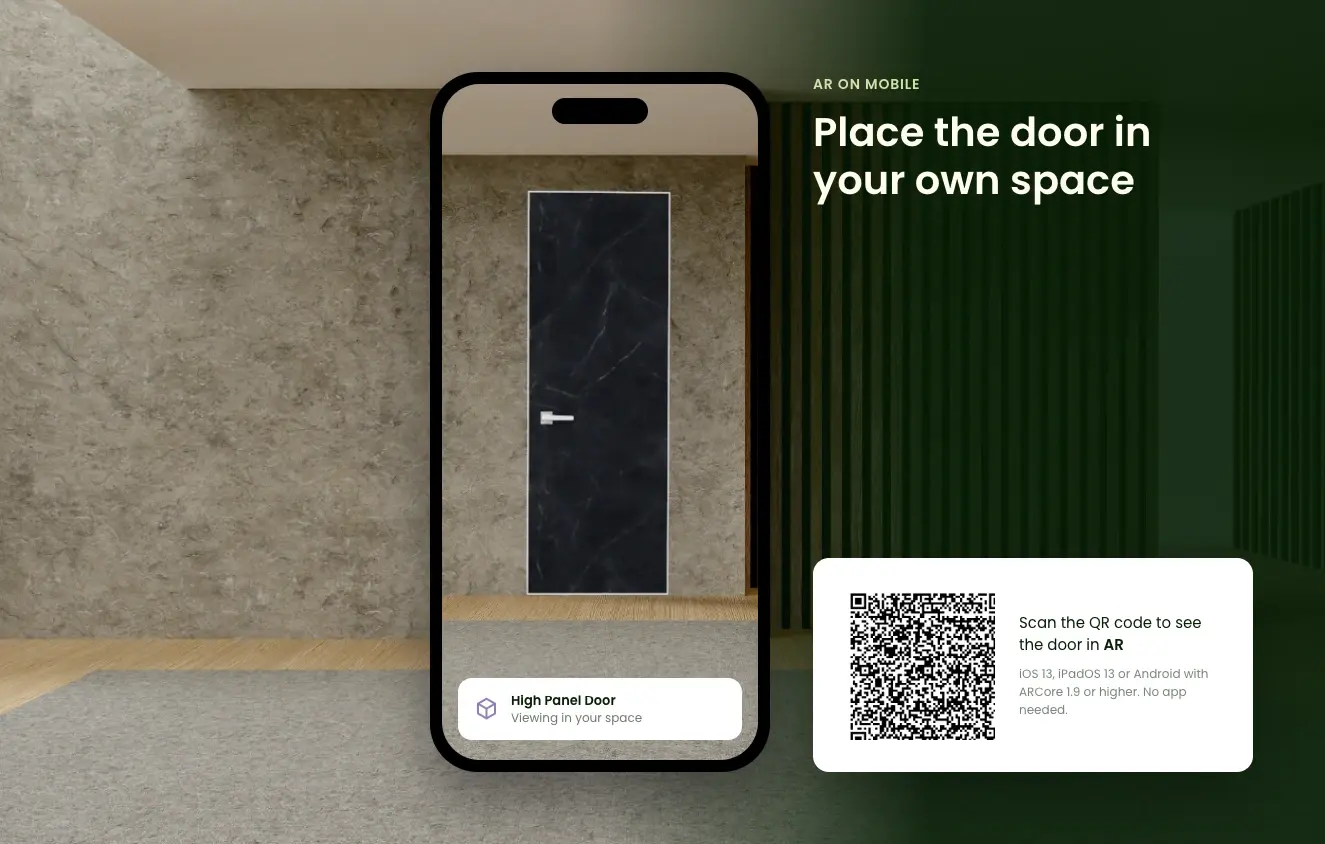
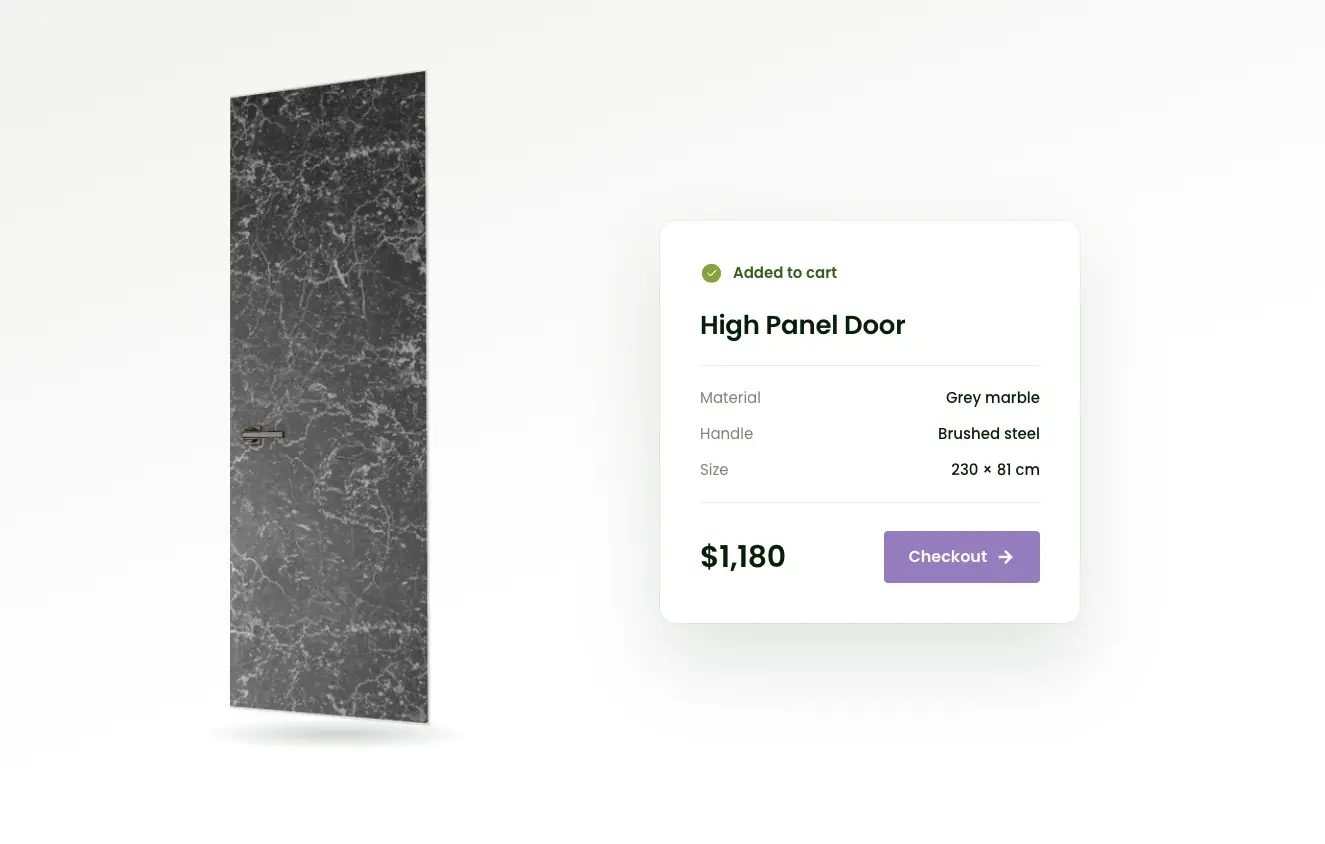
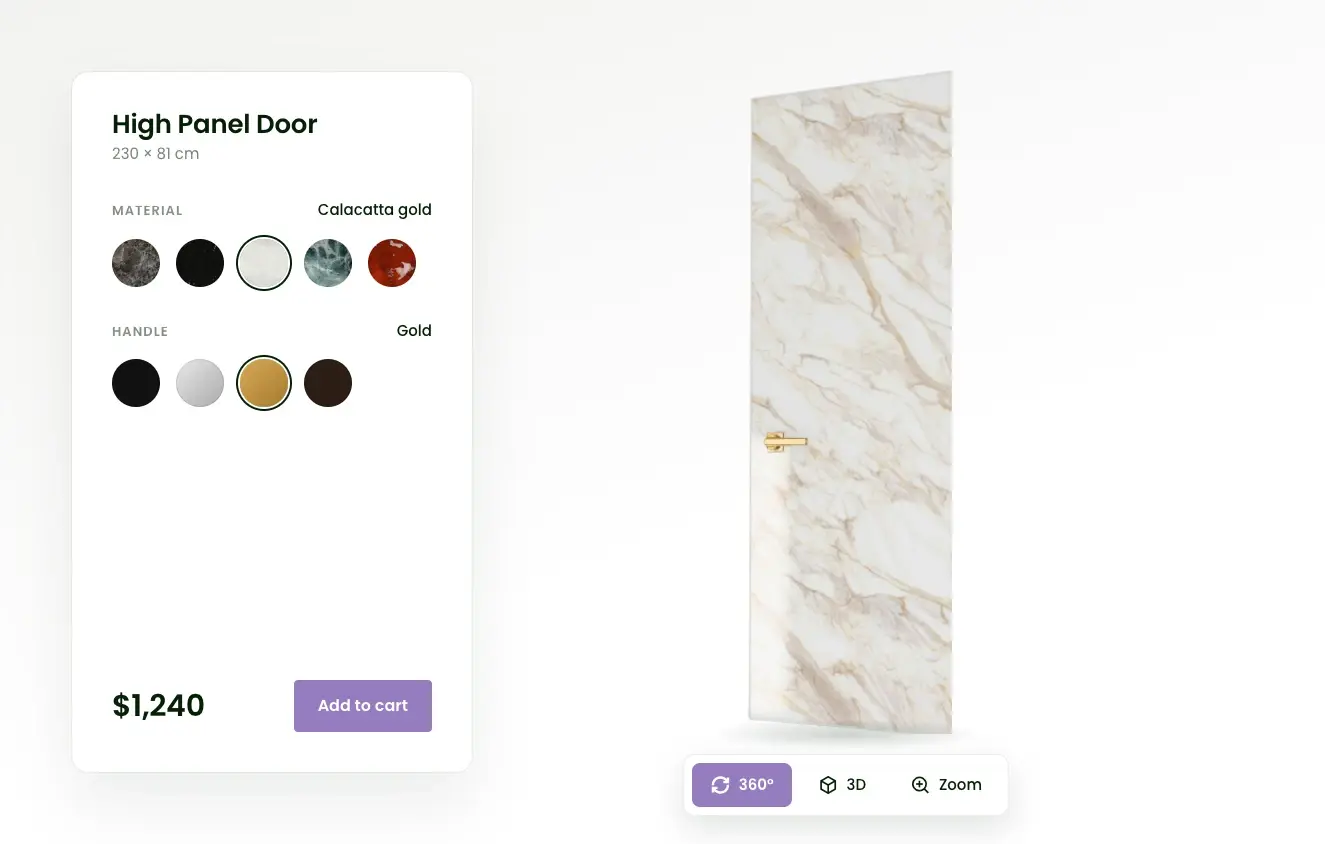
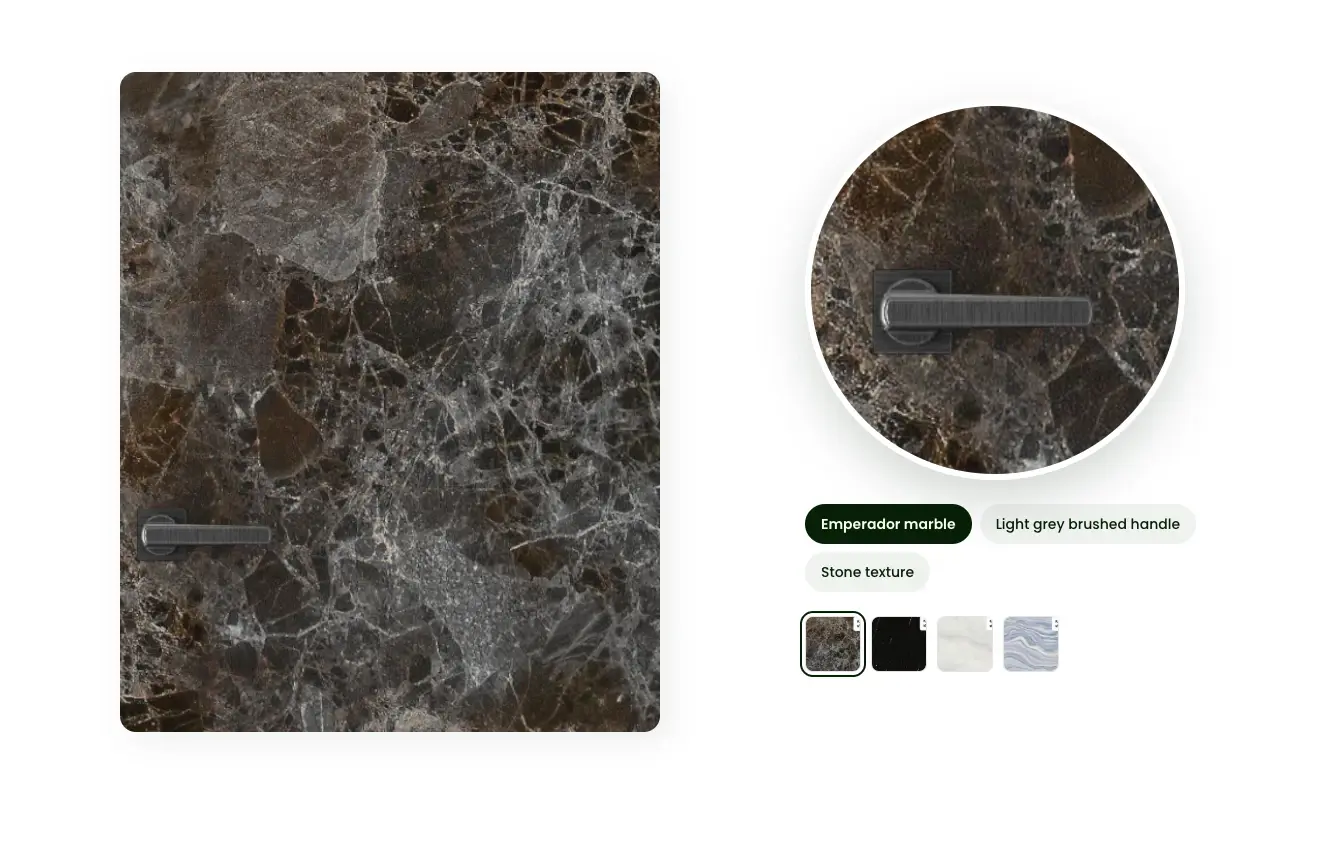
360° 3D View with Realistic Materials Real-Time Options with Price per Variant AR on Mobile Add to Cart
01

360° 3D View with Realistic Materials

Buyers rotate and zoom to see the door inside, outside, and up close. Wood grain, lacquer, glass, and metal look true to life.

02

Real-Time Options with Price per Variant

Finishes, glass, and hardware colors change instantly. Buyers see the price of the door they've configured.

03

AR on Mobile

Buyers place the door in their own space using their phone.

04

Add to Cart

The selected variant goes straight to your store's cart.

Live Demo

Experience the 3D Door Configurator in Action

Click to Start overlay-pointer
GET STARTED

How to Add the Configurator to Your Website

01

Prepare Your 3D Models

Send us photos, dimensions, and finish references, and we'll create the models and materials. Already have 3D models? Upload them.

02

Set Up Your Options

In Zolak CMS, choose which finishes, glass types, and hardware colors each door comes in. Every variant gets its own SKU and price.

03

Embed It

Add a short code snippet to your product page - inline or as a pop-up. For the full ecommerce setup, see:

3D Product Configurator for Ecommerce

benefits

Why Door Brands Choose Zolak

Group 3028 3
High-Quality Visuals

Physically based materials and realistic lighting show finishes, wood grain, and glass the way they look in real life.


Group 1544 (2)-1 1
Setup without a 3D Team

We handle 3D modeling, materials, and catalog setup for you.


Group 1544-1 1
Simple for Buyers

A clear options panel that works in the browser on desktop and mobile, with nothing to install.


Group 3028 1
Easy to Manage

Update models, materials, and prices in one CMS.


Group 1544 (3)-1 1
Matches Your Brand

Adjust the interface colors and fonts to fit your website.


Group 3029 1
One 3D Catalog, More Uses

The same 3D models can also power product images in Zolak Studio and 3D views on other pages, so you invest in 3D content once.


FAQ

What can buyers change in the door configurator?
The materials and colors of each door part you make configurable - for example, the slab finish, the glass, and the hardware finish. Different shapes, sizes, sidelights, or transoms are set up as separate door models in your catalog.
I don't have 3D models. What now?
We'll create them. We usually need photos from several angles, exact dimensions, and finish references.
Can the configurator connect to my cart?
Yes. The selected variant is passed to your store's cart. This needs a backend integration on your side and a price for each variant in Zolak.
Can Zolak build custom features?
Yes. If you need more than the standard configurator, we can develop custom features for your store.
Can I use my own 3D models?
Yes. Upload them as GLB files with PBR materials (base color, normal, and roughness maps at minimum). Each model, textures included, should stay under 10 MB. If your files need fixes, our team can adapt them.
Does the configurator work on mobile?
Yes. It runs in the browser on desktop and mobile, including Chrome and Safari on iOS and Android. AR is available on phones and tablets that support ARKit or ARCore.

Show Buyers Your Doors in 3D

In a 30-minute demo, we'll walk you through the configurator with your door range in mind: which finishes, glass, and hardware options to show, how your variants map to the setup, and what it takes to launch on your site.