- Zolak Platform >
- 3D Product Configurator >
- 3D Window Configurator
3D Window Configurator Software for Manufacturers and Dealers
Who it's for
A Window Configurator for Manufacturers, Dealers and Online Stores
For Window Manufacturers
Show every finish combination you produce on one model, instead of photographing each variant or spreading them across brochures and sample boards.
For Dealers and Sales Teams
Show customers how a black frame or tinted glass changes the look before they commit. The conversation starts from a window they've already seen, not from a color sample.
For Ecommerce
Let shoppers explore your windows on their own, right on the product page.
Learn more about using a 3D product configurator in an online storeWhat the Zolak Window Configurator Can Do
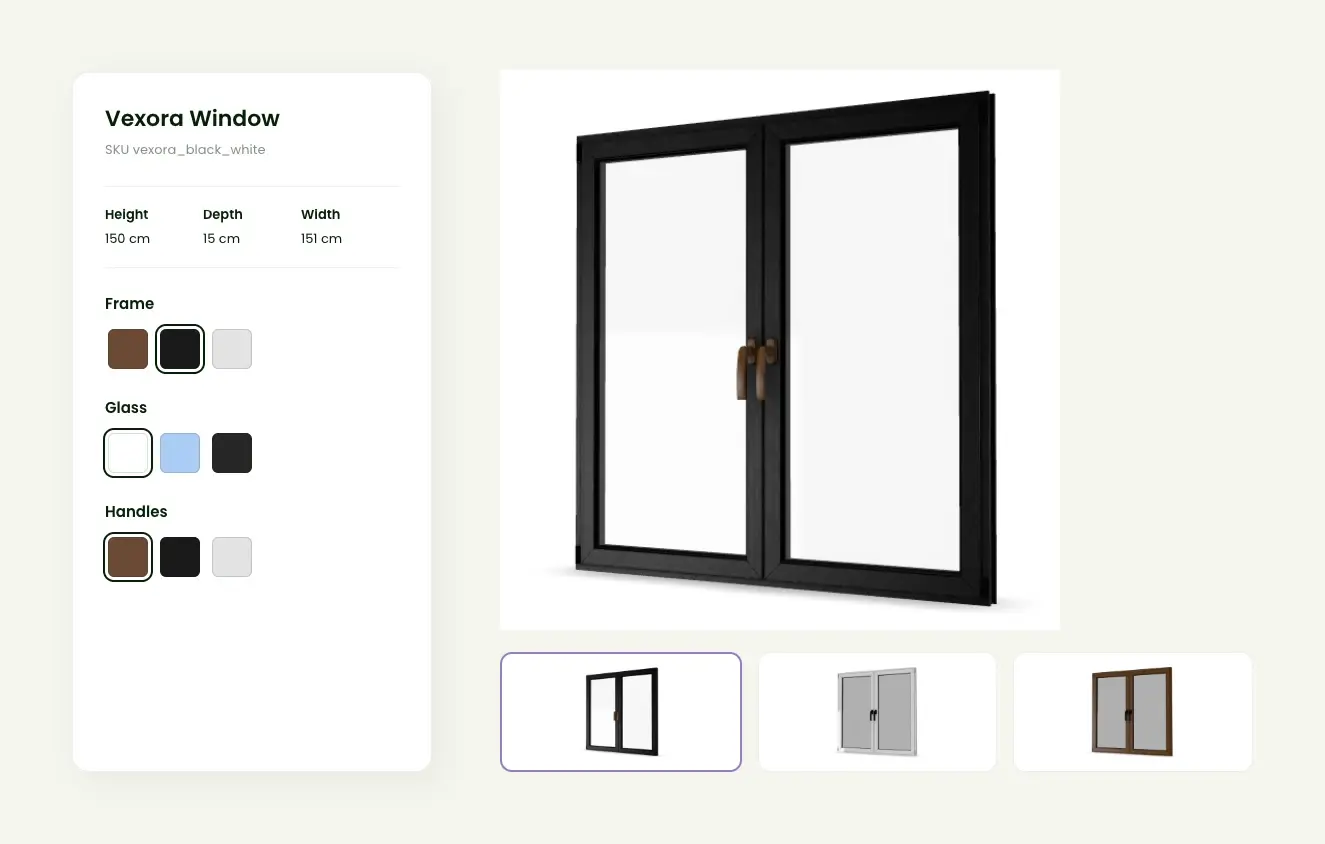
Switch Finishes Instantly
Change frame color, glass and handles on one model and see the result right away. Height, width and depth are shown for every variant.

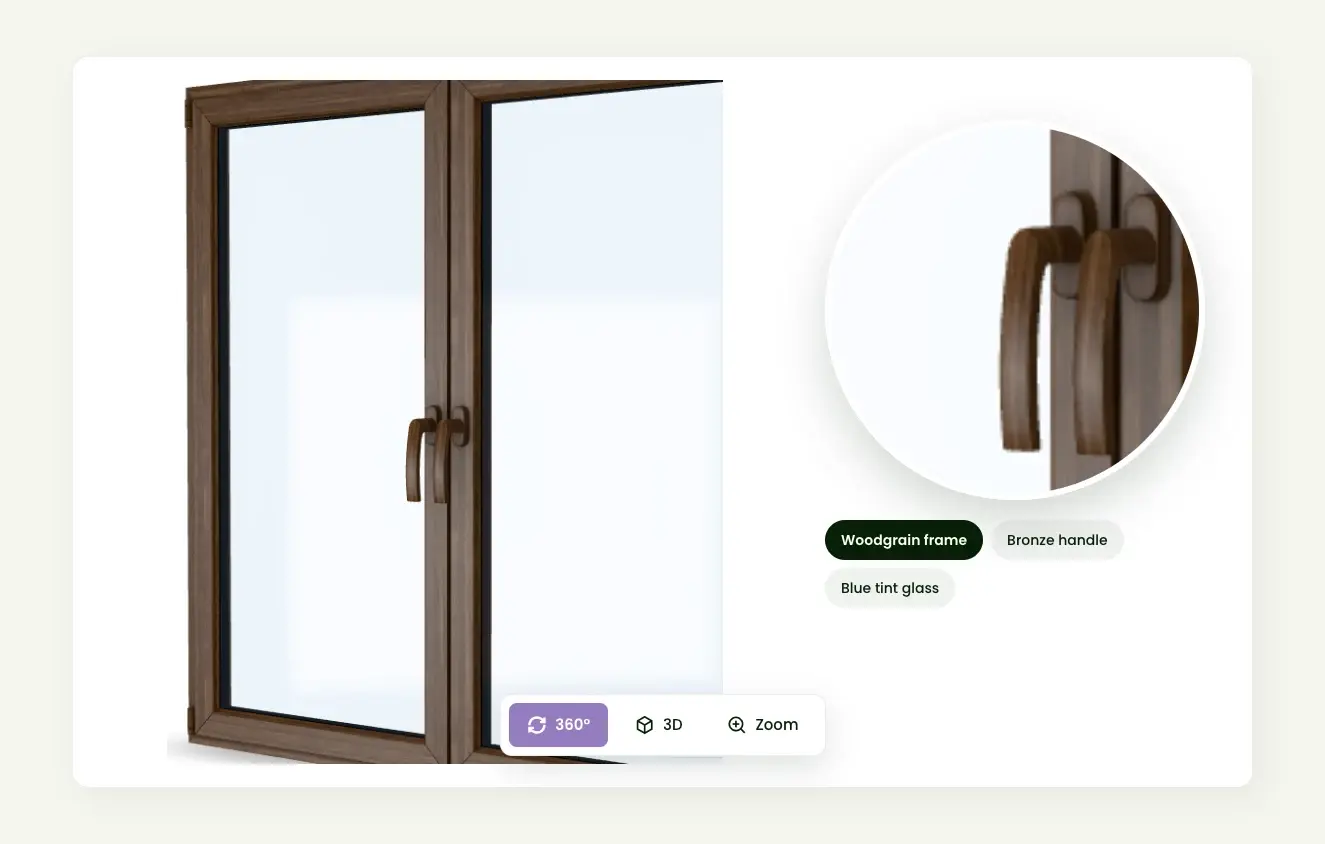
See Real Materials in 3D
Rotate the window 360° and zoom in on the details. Woodgrain, matte paint, metal handles and tinted glass respond to light like the real materials.

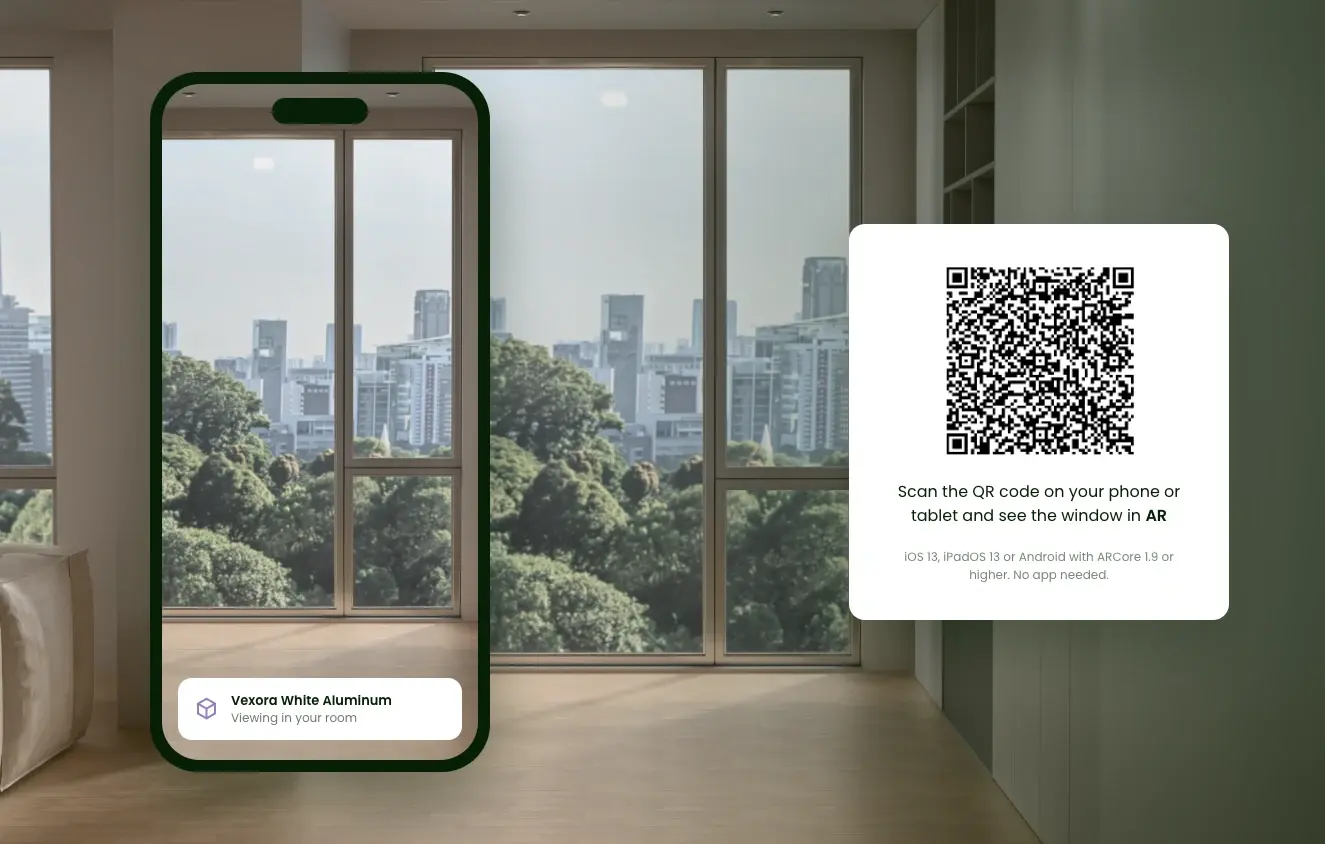
View It in the Room with AR
Buyers open the configured window in AR straight from their phone's browser - no app needed. AR shows the exact frame, glass and handle combination they selected.

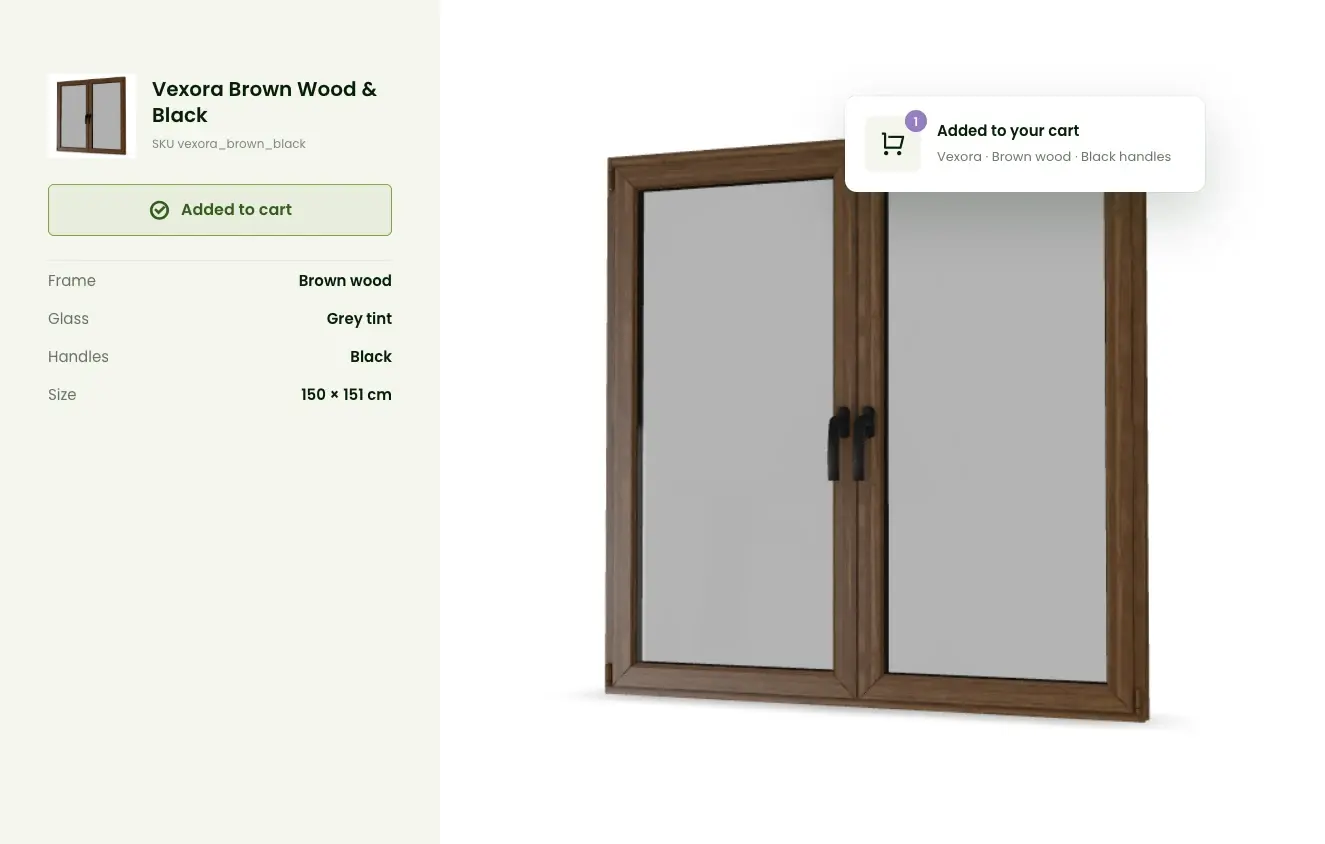
Add to Cart from the 3D View
Buyers send their selected window and finishes to your store's cart without leaving the configurator. Works on desktop and mobile with no plugins.

Live Demo
Experience the 3D Window Configurator in Action
Workflow
How to Launch Your 3D Window Configurator in 4 Steps
Gather Your Product Data
Collect dimensions, technical drawings or CAD files, your product variants and the finishes you offer.
Create 3D Models
No ready-made models? Zolak can create and optimize them for you.
Learn more about our 3D product modeling servicesBuild Your Catalog in the Zolak CMS
Upload models and materials, then set up variants and prices to match your real catalog. Each variant can be its own SKU, or you can use one base product and assign materials to its frame, glass and handles.
Add It to Your Site or Store
Embed the configurator on a product page or open it in a pop-up, connect it to your cart, and test the buyer's path before going live.
Are You Using Any of These Platforms?
We Integrate with Each of Them and More
benefits
Why Zolak Configurator?
Shoppers place the configured piece in their room with AR, so they order with fewer doubts about size, color, and style.
With AR, buyers check how the window looks in their own room before ordering.
Frame, glass and handle options stay easy to switch, even across a large catalog.
Use the same configurator on your website, in your online store and in the showroom.
FAQ
What is a 3D window configurator?
How do I add a window configurator to my website?
Can the configurator connect to my store's cart?
Can buyers enter custom window sizes?
I don't have 3D models yet. What now?
- Technical drawings, CAD files or product photos from several angles
- Exact dimensions (height, width, depth)
- References for each finish and material
Will the configurator slow down my site?
Can Zolak build custom features?
Show Buyers Your Windows in 3D
In a 30-minute demo, we'll walk you through the configurator with your product range in mind: which finishes to show, how your variants map to the setup, and what it takes to launch on your site.