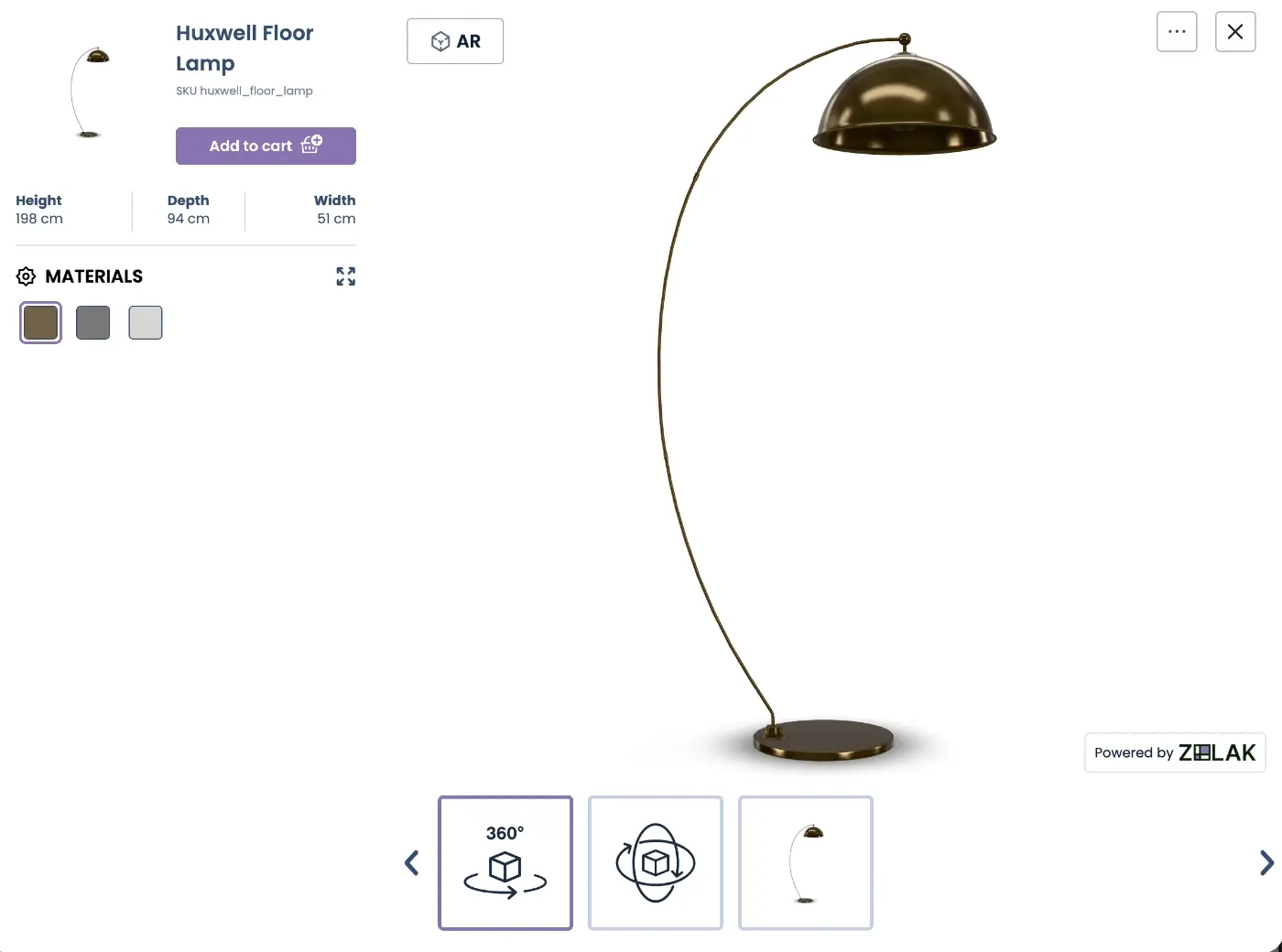
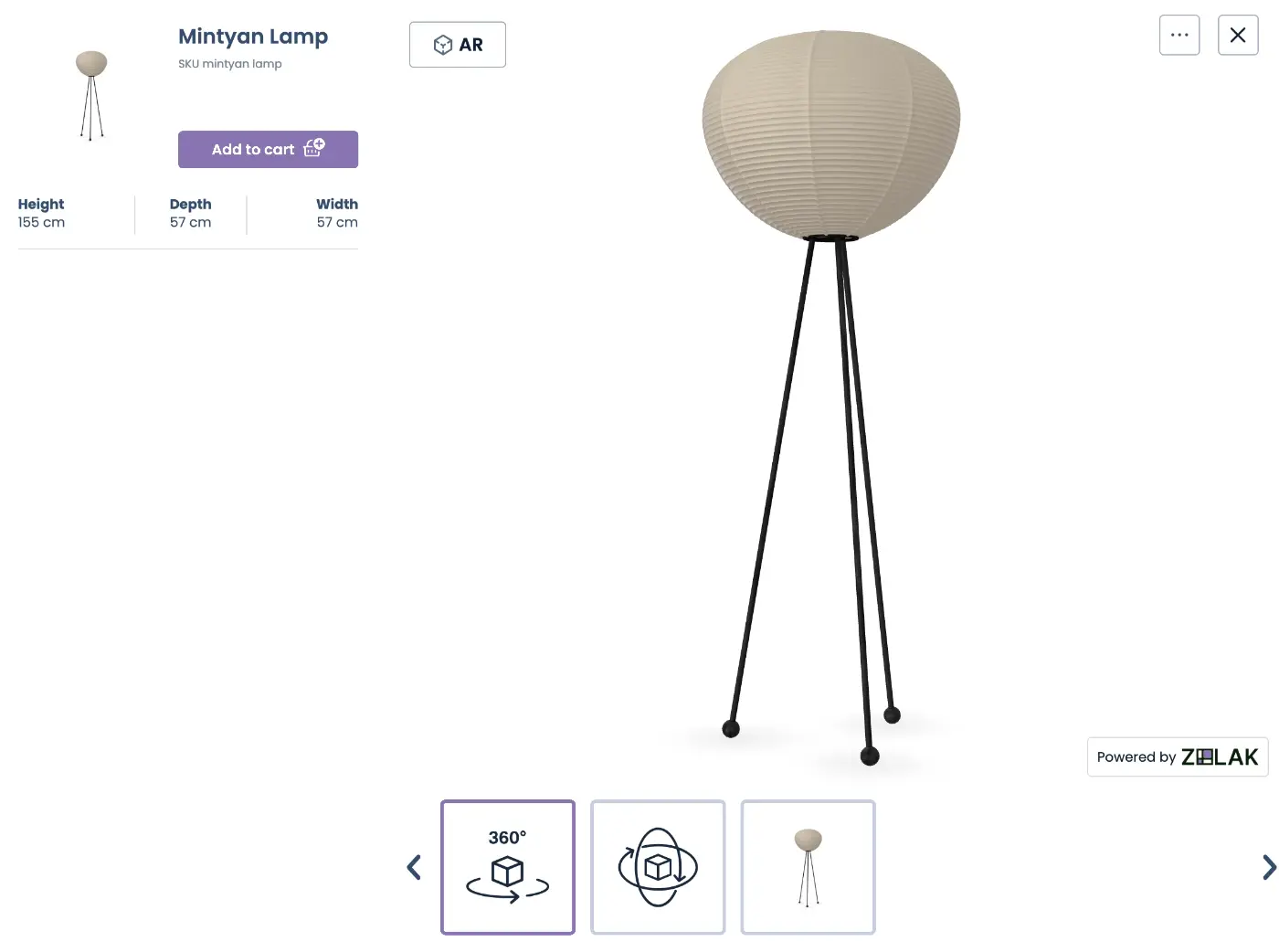
3D Viewer with AR
For ready-to-buy products and individual SKUs. Shoppers explore the product in 3D, then launch AR to see it in their own space.
Explore 3D Viewer
User Journey
The shopper lands on the product page and starts exploring, with no separate app or link required.
They rotate, zoom, and inspect the product from every angle, right in the browser.
On a supported mobile device, they tap the AR button to open the camera view. On desktop, a QR code lets them continue on a supported mobile device.
The shopper places the 3D product in their room, yard, or other space to see how it fits in context.
They exit the AR experience and return to the product page to continue shopping.
live demo
AR gives shoppers a clearer view of how a product could look and fit in their own space before they buy.
See how the product compares with the room and surrounding furniture.
Check where the product could go and whether there is enough room around it.
See how the product looks alongside the furniture and surroundings already in the space.
See how the selected color, material, or finish looks in context.
Explore the product from different angles and inspect its form and key details.
Preview the complete product with the options chosen by the shopper.
Choose the right tool

For ready-to-buy products and individual SKUs. Shoppers explore the product in 3D, then launch AR to see it in their own space.
Explore 3D Viewer
For products with configurable options. Shoppers select the available color, material, or finish, then view their chosen configuration in AR.
Explore AR Product ConfiguratorBefore adding AR to your store, start with the products, assets, and product information behind the experience.
Decide which products and SKUs you want shoppers to explore in AR.
Check whether you already have 3D models for these products. If not, existing product photos, CAD files, or technical drawings can be used as a starting point.
Have accurate dimensions, materials, finishes, and other relevant product details available for the selected products.
Identify the ecommerce platform and product pages where you want to add the AR experience.
No 3D models yet? Our 3D product modeling service can create web-ready models from your product data and references.
Setup
Choose Products for AR
Decide which products and SKUs you want shoppers to explore in AR.
Prepare 3D Product Models
Provide existing 3D models or create new ones from your product references. Models are prepared for the AR experience.
Set Up Your Catalog in Zolak CMS
Upload your models and materials, then configure your products and available variations in Zolak CMS.
Integrate the Visualization Component
Embed the 3D Viewer or Configurator with built-in AR on your selected product pages and connect it to your ecommerce storefront.
Test and Launch
Test the experience across supported devices and mobile browsers, then launch AR on your selected product pages.
Need support bringing AR to your store?
Explore Augmented Reality ServicesClient Testimonials

director, Cut Throat Knives
"The team at Zolak were fantastic to work with. Every step of the way they were responsive, amenable to changes and clearly communicated pricing.
I couldn't be happier with the service that they've provided and look forward to working with them well into the future."
use cases
Benefits
FAQ
Give shoppers more context before they buy by connecting AR with your product catalog, 3D assets, and ecommerce storefront.